
Complete Guide to Invoicing Management in the UK
Learn how invoicing management works, how to optimise it, and how Wise Business can help you streamline international payments.



Opening a new office overseas, or sourcing supplies from multiple countries around the world? You’ll need a reliable, fast and cost-effective way to send international business payments in bulk.
This guide covers everything you need to know about sending bulk international business payments from the UK. This includes how bulk payments work, how to set up and send them, costs and the best providers/accounts to use.
This includes Wise Business, a powerful multi-currency business account which lets you send payments to 140+ worldwide. There’s a handy mass payouts tool so you can send up to 1,000 payments in a few clicks, and you can save even more time by automating global payroll with the Wise API.
💡 Learn more about Wise Business
An increasing number of UK businesses are finding themselves in need of bulk international payment tools. They’re extremely useful for:
Many of these situations apply only to large companies and multi-national corporations, but smaller companies often need bulk payment services too.
For example, if you’re a startup which works with freelancers and contractors in different countries - which enables you to pick and choose the best talent, wherever it's based. At the end of the month, you’ll need a cost-effective way to pay everyone in their own currency, and without spending hours setting up each individual payment manually.
Bulk payments work by consolidating thousands of individual payment instructions into a single digital file. This is usually in one of the following formats:
Once populated with payment instructions (including recipient bank details, amounts, currencies, payment dates and references), the file is uploaded to a banking portal or specialised payment platform. It’s checked for errors, such as incorrect bank details or mismatched currencies. This process is called validation. All the business owner or finance manager then has to do is give a single authorisation, and the whole batch of payments is sent according to the set schedule.
For international transfers, providers often route these payments through local domestic rails (like SEPA or ACH) rather than the slower SWIFT network that banks use. This usually means faster delivery and lower fees. Once processed, the total amount is debited as one sum from the business account, but recipients receive their specific funds individually.
Some UK banks do provide services for bulk business payments, such as Barclays, Lloyds, NatWest and Starling Bank. However, you may encounter limits with these services - for example, you can only send up to 25 payments in one batch with Lloyds Business banking.¹
Others come with extra fees. For example, Starling Bank offers bulk payments as an add-on to its business account, available for £7 per month with the ability to send up to 250 payments per month.²
It can sometimes be a little time-consuming or complicated to send bulk payments with a business bank account. This is why many UK businesses use specialist online payment services instead, where the process is easier, quicker and sometimes cheaper - and limits are significantly increased.
We’ll look at some of the best providers for bulk international business payments next.
Specialist international transfer platforms are often the best choice for making low cost bulk payments overseas. Here are a few popular options available for UK businesses:
| Provider/account | Limits | Account fees | Features |
|---|---|---|---|
| Airwallex | Up to 1,000 recipients³ | From £0 to £999/month⁴ | - API automation - Batch file templates |
| Revolut Business | Up to 1,000 recipients⁵ | From £30/month (to access bulk transfers)⁵ | - API automation - Batch file templates |
| PayPal Payouts | - Up to 5,000 recipients⁶ - Max. £50,000 per payment⁷ | None | - API automation - Recipients need PayPal account |
| WorldFirst | Up to 200 recipients⁸ | None | - API automation - Batch file templates |
| Wise Business | Up to 1,000 recipients | None | - API automation - Batch file templates - Integration with accounting software |
| 💡 See how more Wise Business features compares with: Airwallex, Revolut Business, PayPal Business and WorldFirst |
|---|
There are a few different costs involved in sending bulk transfers internationally. This includes:
To give you an idea of the potential costs, here’s some handy info on fees and exchange rates for popular UK providers of bulk international business payments:
| Provider | Monthly account fees | International transfer fees | Exchange rate markup |
|---|---|---|---|
| Airwallex | From £0 to £999⁴ | £0 for local transfers, £20 for SWIFT⁹ | 0.5% to 1%⁹ |
| Revolut Business | From £30 (to access bulk transfers)⁵ | - £5 per transfer over plan allowance - £20 for OUR SWIFT payments¹⁰ | - 0.6% over plan allowance - Extra 1% outside market hours¹⁰ |
| PayPal Payouts | None | 2%¹¹ | 3%¹¹ |
| WorldFirst | None | - £0.30 for local payments in GBP, EUR + USD - £4 for international payments¹² | Up to 0.50%¹² |
| Wise Business | None | From 0.33% | None - mid-market rate |
| 💡 Explore more fees and charges for: Airwallex,Revolut Business and PayPal Business |
|---|
Now, here’s how to set up and send your first batch of bulk international payments:
Choose a provider which offers international bulk business payments, making sure to compare features and prices. Open an account, provide the necessary company documentation and complete any ID and security verification processes. This can take a few days.
You’ll need accurate bank details for every beneficiary on your payroll or supplier list. This includes:
Most providers of bulk payment services have template files you can download and fill in. You’ll need to follow the instructions, making sure to put the correct information in each field.
You’ll need to provide recipient details, payment amounts, currencies and payment dates. You can usually set the amount to ‘Target’ (the exact amount the recipient receives) or ‘Source’ (the exact amount you pay). This is important for overcoming currency fluctuations, where your recipient could end up being underpaid.
Once you’ve checked all the details carefully, it’s time to upload the batch payment file to the provider’s platform.
The system will automatically check for formatting errors, missing fields or invalid account details. If there are any issues, these will need to be rectified before the payment run can be sent.
This step ensures you have enough funds in either your account on the platform or in a linked business account to pay for the total batch.
You’ll need to review the entire batch to confirm totals, exchange rates and recipient details. Once you’re happy, you can authorise the payments. This usually involves security steps such as in-app approval or an SMS code.
The payments are sent, and you’ll be able to track their status in real-time on the provider’s dashboard (depending on the platform).
The final step is to export a report on the bulk transfer to your accounting software, to enable reconciliation.
Once you’re up and running, batch transfers can be relatively straightforward. However, there are some important things you need to know:
Whether you need to pay freelancers in Europe, suppliers in Asia or investors in the US, Wise Business is the ideal solution. Open an account and you can use the Payouts tool to pay up to 1,000 recipients in just a few clicks. You can send money to 140+, paying each recipient in their local currency.
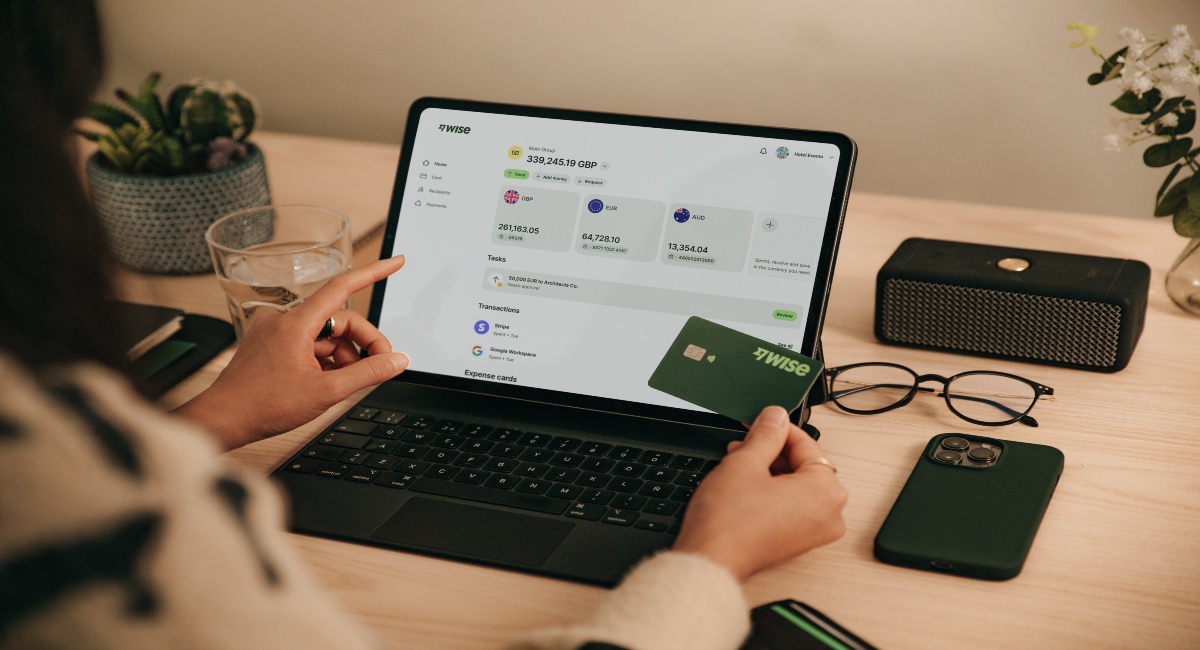
With Wise Business, you can:
Make the wise choice when selecting a business account for all your domestic and global needs.
Be Smart, Get Wise.
Investments can fluctuate, and your capital is at risk. Interest is offered by Wise Assets UK Ltd, a subsidiary of Wise Payments Ltd. Wise Assets UK Ltd is authorised and regulated by the Financial Conduct Authority with registration number 839689. When facilitating access to Wise investment products, Wise Payments Ltd acts as an Introducer Appointed Representative of Wise Assets UK Ltd. Please be aware that we do not offer investment advice, and you may be liable for taxes on any earnings. If you're uncertain, we urge you to seek professional advice. To find out more about the Funds, visit our website.
How long international payments take depends on the provider and the destination. SEPA payments (in EUR to the EEA) typically take 1 day, whereas SWIFT payments can take up to 5 days. Validating and processing bulk payments can also add extra time.
You’ll typically need:
sources used:
Sources last checked: 27-Apr-2026
*Please see terms of use and product availability for your region or visit Wise fees and pricing for the most up to date pricing and fee information.
This publication is provided for general information purposes and does not constitute legal, tax or other professional advice from Wise Payments Limited or its subsidiaries and its affiliates, and it is not intended as a substitute for obtaining advice from a financial advisor or any other professional.
We make no representations, warranties or guarantees, whether expressed or implied, that the content in the publication is accurate, complete or up to date.

Learn how invoicing management works, how to optimise it, and how Wise Business can help you streamline international payments.

Learn what the payment approval process is. And, top tips to streamline it to maximise efficiency and reduce errors.

Learn how the payment authorisation process works from start to finish, and what happens behind the scenes in seconds.

Struggling with vendor payment chaos? Learn how to streamline approvals, payments, and manage vendors without the usual headaches.

Learn what payment runs are, how they work, and how to process them efficiently to keep payments accurate and on time.

Learn how to improve your invoicing, step-by-step. From automation, supplier relationship tips and more.











