
7 Ways to Streamline Payment Approval Processes
Learn what the payment approval process is. And, top tips to streamline it to maximise efficiency and reduce errors.



Late payments are quietly draining UK businesses. More than half of small businesses report that overdue invoices jeopardise their cash flow 1, and processing a single invoice manually can cost anywhere from £4 to £25 2. That is money and time better spent growing your business.
This guide covers seven practical ways to improve invoicing processes, from tightening payment terms to choosing the right invoicing software. And for businesses that send or receive payments internationally, Wise Business offers a multi-currency account with batch payments, team roles, and accounting integrations that can slot right into a sharper invoicing workflow.
💡 Learn more about Wise Business
A clunky invoicing process does not just slow down payments. It creates a chain reaction across the entire business.
Here are the most common pain points:
The good news: most of these problems are fixable with a few targeted changes.
| 💡 Read more about: invoicing in the UK) |
|---|
Ambiguity around payment is one of the biggest causes of late invoices. Before any work begins, agree on the essentials in writing:
In the UK, businesses have the legal right to charge statutory interest of 8% plus the Bank of England base rate on late B2B payments 4. Including this in your terms gives clients a clear incentive to pay on time.
The longer you wait to invoice, the longer you wait to get paid. Send invoices as soon as work is delivered or a milestone is reached.
Electronic invoicing speeds this up considerably. Instead of printing, posting, or manually attaching PDFs to emails, invoicing software can generate and send bills in minutes. It also creates a digital trail that makes tracking and reconciliation far simpler.
For businesses with regular clients, setting up recurring invoices eliminates the need to create a new document each billing cycle.
Spreadsheets and manual templates work when you have a handful of clients. Beyond that, dedicated invoicing software pays for itself quickly. Look for tools that offer:
A Gartner survey found that the percentage of finance functions adopting AI-powered tools more than doubled from 21% in 2023 to 58% in 2024.5 Even if full AI is not on your radar yet, basic automation can dramatically cut the time spent on invoicing.
Wise Business integrates with major accounting software, so invoice data and payment records sync without manual re-entry. That means fewer errors and less time reconciling at month end.
The easier you make it for clients to pay, the faster they will. Limiting customers to a single payment method, for example bank transfer only — creates unnecessary friction.
Consider offering:
For businesses with international clients, accepting payments in multiple currencies removes the burden of conversion from the customer's side. Wise Business provides local account details in major 40+ currencies, so overseas clients can pay as if the transaction were domestic — which often means faster settlement and lower costs for both parties.
💡 Learn more about Wise Business
Chasing payments manually is tedious and easy to let slip. Automated reminder systems send polite nudges before the due date, on the day, and at set intervals after.
This is not about being aggressive. A well-timed reminder keeps the invoice visible and gives clients a chance to flag any issues before the payment becomes overdue.
Most invoicing software includes this feature. Set it up once and let it run. If a payment remains outstanding after multiple reminders, escalate to a phone call, it is still the most effective way to resolve overdue accounts.
Consistency reduces confusion. Every invoice should include:
Using a standardised template ensures nothing gets missed and makes it easier for clients' accounts payable teams to process the invoice without queries.
You cannot improve what you do not measure. Keep an eye on:
Review these metrics monthly. If DSO is creeping up, it might be time to tighten payment terms, improve your follow-up process, or switch to a tool that automates more of the workflow.
Beyond the core tips above, a few broader habits keep invoicing running smoothly over time:
| 💡 You may also like our guides on: VAT invoicing, e-Invoicing in Europe and Best invoicing software |
|---|
A tighter invoicing process means fewer errors, faster payments, and healthier cash flow. And when international payments are part of the picture, the right account makes a real difference.
Wise Business is built for companies that work across borders. It offers the mid-market exchange rate with transparent fees shown before every transaction, so there are no surprises when paying or receiving international invoices. Businesses can hold and convert 40+ currencies, access local account details in 8+, and use batch payments to process up to 1,000 invoices in a single transfer.
It also integrates with accounting tools like Xero and QuickBooks, keeping invoice records and payment data in sync without the manual work.
Be Smart, Get Wise.
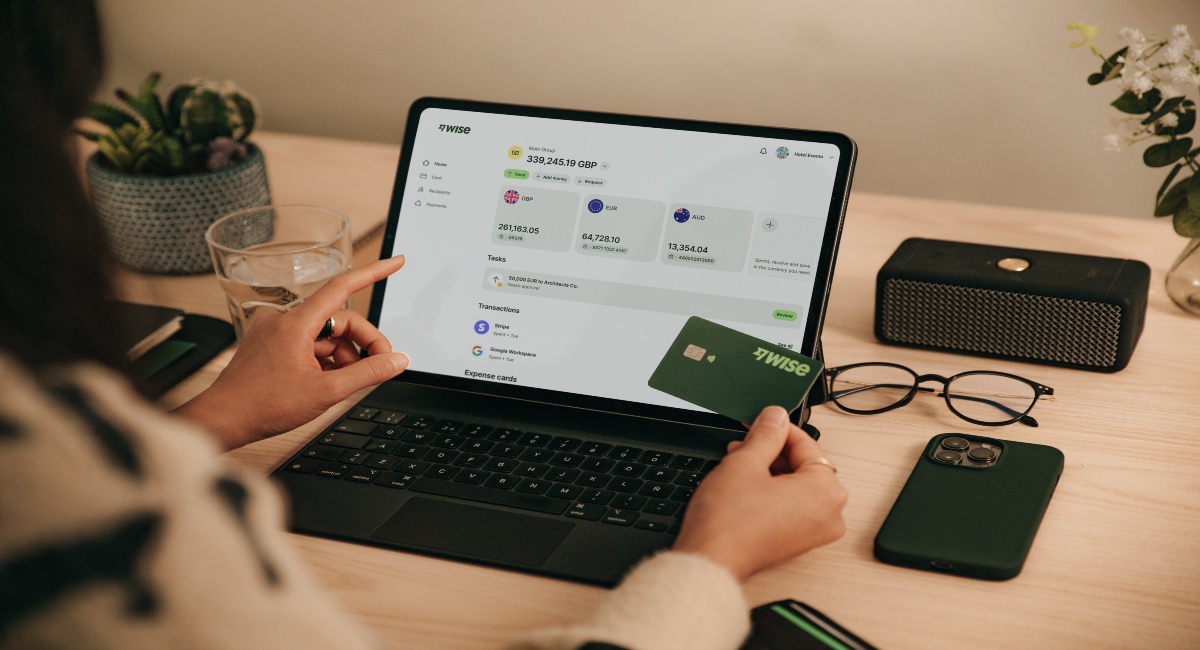
With Wise Business, you can:
Make the wise choice when selecting a business account for all your domestic and global needs.
Be Smart, Get Wise.
Investments can fluctuate, and your capital is at risk. Interest is offered by Wise Assets UK Ltd, a subsidiary of Wise Payments Ltd. Wise Assets UK Ltd is authorised and regulated by the Financial Conduct Authority with registration number 839689. When facilitating access to Wise investment products, Wise Payments Ltd acts as an Introducer Appointed Representative of Wise Assets UK Ltd. Please be aware that we do not offer investment advice, and you may be liable for taxes on any earnings. If you're uncertain, we urge you to seek professional advice. To find out more about the Funds, visit our website.
Start by automating the repetitive parts: invoice generation, delivery, and payment reminders. Use invoicing software that integrates with your accounting platform so data flows through without manual entry. Standardise your invoice template, send bills promptly after delivering work, and offer multiple payment options to remove friction for clients.
Automation reduces manual data entry errors, speeds up invoice delivery, and ensures consistent follow-up on overdue payments. It frees up staff time for higher-value tasks and gives better visibility into accounts receivable through real-time tracking and reporting. Businesses that automate typically see shorter payment cycles and improved cash flow.
As soon as the agreed trigger occurs, whether that is delivery of goods, completion of a service, or reaching a project milestone. The sooner an invoice goes out, the sooner the payment clock starts. For ongoing relationships, set a fixed billing schedule (for example: the first of each month) so clients know when to expect it.
*Disclaimer: The UK Wise Business pricing structure is changing with effect from 26/11/2025 date. Receiving money, direct debits and getting paid features are not available with the Essential Plan which you can open for free. Pay a one-time set up fee of £50 to unlock Advanced features including account details to receive payments in 22+ currencies or 8+ currencies for non-swift payments. You’ll also get access to our invoice generating tool, payment links, QuickPay QR codes and the ability to set up direct debits all within one account. Please check our website for the latest pricing information.
Sources used:
Sources last checked: 18th May 2026
*Please see terms of use and product availability for your region or visit Wise fees and pricing for the most up to date pricing and fee information.
This publication is provided for general information purposes and does not constitute legal, tax or other professional advice from Wise Payments Limited or its subsidiaries and its affiliates, and it is not intended as a substitute for obtaining advice from a financial advisor or any other professional.
We make no representations, warranties or guarantees, whether expressed or implied, that the content in the publication is accurate, complete or up to date.

Learn what the payment approval process is. And, top tips to streamline it to maximise efficiency and reduce errors.

Learn how the payment authorisation process works from start to finish, and what happens behind the scenes in seconds.

Struggling with vendor payment chaos? Learn how to streamline approvals, payments, and manage vendors without the usual headaches.

Learn what payment runs are, how they work, and how to process them efficiently to keep payments accurate and on time.

Learn about payment settlements, what they mean, and how they impact transactions. Get the essential details for smooth and secure financial transfers.

Learn what Revolut GlobalHire is, how it works, and what businesses should consider before using it for global hiring and payroll.











