
Is diversification the key to success? Hear from Wise’s CFO
In today’s economy, there’s one thing business owners can be certain of: uncertainty. Volatility has fundamentally changed the way businesses operate. And...



By now you'll be aware that Making Tax Digital becomes mandatory this April for certain types of business owners. If you're wondering what it means for you, you've come to the right place. We've broken down everything you need to know about this new tax reporting system for business owners in the UK.
With MTD, HMRC is launching the biggest shake-up to the UK tax system in 30 years. Starting 6 April 2026, Making Tax Digital’ (MTD) for Income Tax will fundamentally change how sole traders and landlords report their earnings.
Here is everything you need to know to stay compliant.
Making Tax Digital is HMRC's initiative to digitise the UK's tax reporting system. Under MTD, instead of keeping paper records, you'll use recognised software to track income and expenses, and those records can then be submitted directly to HMRC every quarter.
In practical terms, MTD means swapping the old system of a single annual tax return for a new rhythm of regular digital record-keeping and quarterly updates. Instead of filling out your tax return all at once, you'll split and spread the admin throughout the year.
Who does Making Tax Digital apply to?
MTD applies based on your qualifying income; your total gross income (turnover) from all self-employment and property sources before expenses.
The rollout is income-based and phased across three thresholds:
| Mandatory From | Annual Income Threshold | Based on Tax Year |
| 6 April 2026 | Over £50,000 | 2024/25 Return |
| 6 April 2027 | Over £30,000 | 2025/26 Return |
| 6 April 2028 | Over £20,000 | 2026/27 Return |
Note: If you have multiple income streams (e.g., £35k from freelancing and £20k from rent), you must add them together. If the total is more than £50,000 per annum, you fall into the April 2026 wave.
Limited companies: Limited companies do not have to use MTD for Income Tax. But they may already use Making Tax Digital for VAT if they're VAT registered.
Partnerships: Partnerships will need to use Making Tax Digital for Income Tax in the future, but for now, partnerships carry on doing a Self Assessment tax return. HMRC will set out the timeline for when they need to start using the new service at a later date.
The process is simpler than you think. Here's a step by step of how you can file your MTD income tax:
Step 1: Keep digital records as you go
Eligible businesses and individuals will need to keep digital records of their income and expenses, use MTD-compatible software (like Xero, Quickbooks or Zohobooks), and submit updates electronically every three months. Creating digital records requires the use of accounting software, and records are stored and viewed on an electronic device such as a smartphone, tablet or computer.
Step 2: Send quarterly updates to HMRC
Quarterly updates are then sent to HMRC to let them track your income and expenses from sole trading and property, straight from your software. These quarterly updates aren't tax returns. They're just simple summaries of how your business is doing, in four smaller chunks, pulled from your records. If you're logging invoices or information as you go along, quarterly updates will simply be the touch of a button.
The standard update periods and deadlines, which align with the tax year (6 April to 5 April), are as follows:
You can also choose to match your update periods to the calendar year, ending on the last day of the month, which may suit businesses whose accounting period ends on 31 March.
Step 3: Submit your final declaration by 31 January
At the end of the financial year, your accounting software can tally up the whole year from your quarterly updates and pull these into an end-of-year tax summary, so there's less form filling when you have to make the end-of-year submission. It is recommended that you look through and make any adjustments before submitting your tax return, such as including other sources of income like interest or pensions, and you can claim tax reliefs if you're eligible.
Then you tap submit.
It’s worth mentioning that you won't pay four tax bills a year. The deadline for paying your tax will still be 31 January. The quarterly updates are about reporting, not paying. Your tax bill itself doesn't change in frequency.

For those with rental or freelance income over £50,000:
For those with income between £30,000 and £50,000, the same structure will apply starting a year later: mandatory digital record-keeping from 6 April 2027, first quarterly update by 7 August 2027, and first fully MTD-submitted tax return by 31 January 2029.
Making Tax Digital (MTD) for VAT began in April 2019 for businesses with taxable turnover above the £85,000 threshold. From April 2022, MTD became mandatory for ALL VAT-registered businesses, regardless of their turnover, bringing all mandatory VAT reporting under the MTD requirements.
If your business is already VAT-registered, you should be familiar with digital record-keeping. HMRC automatically signs up new VAT-registered businesses. Based on this new update, you should continue to keep VAT records and submit VAT returns by the deadlines for your accounting period (usually quarterly), using compatible software.
The information VAT-registered businesses need to record includes their VAT registration number, the VAT charged on supplies made and received, adjustments to correct any errors, the date for each transaction, and any VAT-exempt items bought or sold.
MTD for Income Tax is a separate layer on top of this, applying specifically to your income tax reporting rather than VAT. So if you're a VAT-registered sole trader or landlord above the income thresholds, you'll need to comply with both streams.
HMRC keeps a current list of compatible software with both free and paid options available. Some of the recognised accounting software include Xero, QuickBooks, Sage, etc.
Here are some MTD compatible accounting software, recognised by HMRC: Free vs Paid plus syncs to your Wise Business account:
| Software | Free Plan Available | Paid Plan (Starting Price) | Wise Business Sync |
| Xero | No | From ~£7/month (Simple plan) | ✅ auto-sync every 4 hours |
| QuickBooks | No | From £16/month (Simple Start) | ✅ daily automatic sync |
| FreeAgent | Free with some business accounts | From ~£22/month standalone | ✅ transaction feed sync |
| Sage | 1 month free trial | From £18/month (Accounting Start) | ✅ |
| Zoho Books | Yes: free for businesses with under £35k annual revenue | From ~£12/month | ✅ |
| FreshBooks | No (30-day free trial only) | From ~£11/month | ✅ |
| Oracle NetSuite | No | Custom pricing (enterprise) | ✅ |
| QuickFile | Yes: free for low transaction volumes | From £45/year (for higher volume) | ✅ |
| Ember | No (free trial available) | From £22/month | ✅ |
| Moneyhub | No | From £14.99/month | ✅ |

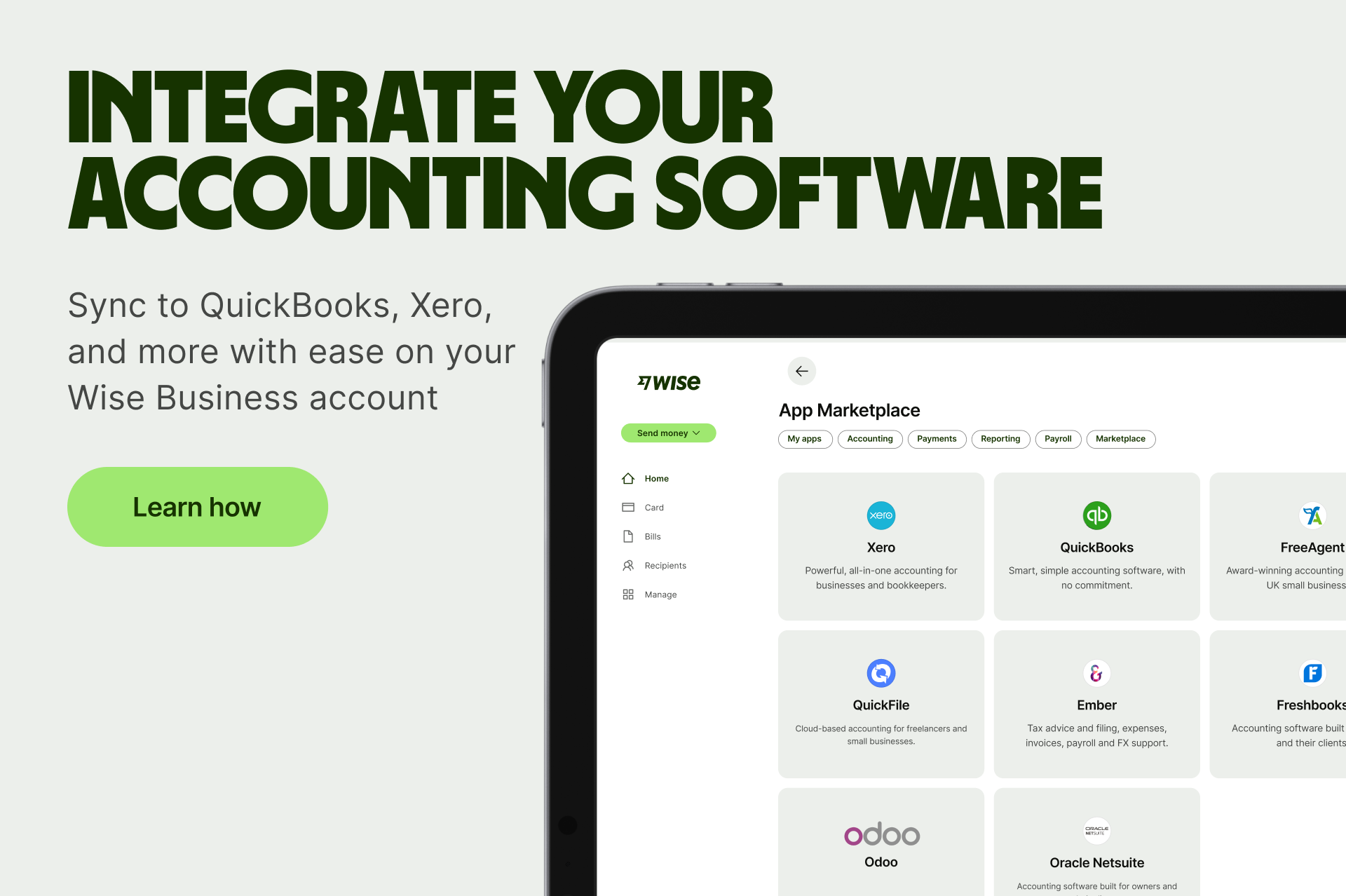
Most commonly-used business software packages are MTD-compliant. If you already use accounting software,you can check that it is suitable. If you don't yet keep digital records, you will need to sign up for a software package.
Some software packages can handle both quarterly updates and the end-of-year final declaration. Others only cover one of these, which may suit businesses where an accountant handles the year-end submission while the business owner manages the quarterly updates themselves.
Most full accounting packages like Xero, Quickbooks, and FreeAgent handle both MTD for VAT and Income Tax. However, you may need to check that your current VAT software also supports the Income Tax quarterly updates starting April 2026.
| Software | MTD for VAT | MTD for Income Tax | Wise Business Sync |
| Xero | Yes: HMRC recognised | Yes; fully integrated | ✅ |
| QuickBooks | Yes: HMRC recognised | Yes; HMRC recognised | ✅ |
| FreeAgent | Yes: HMRC recognised | Yes; HMRC recognised | ✅ |
| Sage | Yes: HMRC recognised | Yes; HMRC recognised | ✅ |
| Zoho Books | Yes: HMRC recognised | Yes; HMRC recognised | ✅ |
| FreshBooks | Yes: HMRC recognised | HMRC-recognised per FreshBooks — verify directly | ✅ |
| Oracle NetSuite | Yes | Enterprise-grade - verify MTD IT support with provider | ✅ |
| QuickFile | Yes: HMRC recognised | Preparing for MTD IT - verify current status | ✅ |
| Moneyhub | Open banking/data aggregation | Not a primary MTD IT filing tool - verify with provider | ✅ |
| Ember | Yes (VAT) | Verify current MTD IT recognition status directly | ✅ |
MTD software has benefits beyond compliance: you can see key financial metrics in a simple dashboard, save time on admin with tax returns auto-filled using records already in the system, and get reminders when returns are due so you never miss a deadline.
The safest approach is always to cross-check any software against HMRC's official software that works for MTD before committing, as the list is updated regularly as new providers complete testing and if a product is not on the list, it has not been confirmed as compatible with HMRC's systems.
Here's where Wise Business becomes a practical part of your MTD-ready toolkit. As a business owner or sole trader, one of the biggest headaches in going digital is making sure your business transactions flow cleanly into your accounting software, without manual entry, missed transactions or formatting headaches.
The Wise Business account can be synced into MTD-compatible accounting software including Xero, Quickbooks, and FreeAgent via direct integrations or open banking feeds. This means your FX spend, income and expenses recorded through Wise Business, including international payments, currency conversions and business expenses. It syncs automatically into your accounting software, keeping your digital records accurate and up to date ahead of each quarterly update.
For businesses that operate across multiple currencies or make regular international payments, this matters even more. Wise Business gives you local account details in 9+ currencies, transparent fees, and a real-time transaction history that accounting software can read and categorise. Rather than reconciling PDFs and transaction statements at the end of each quarter, your records are already in order.
To sync Wise Business with your accounting software:
If you're not yet using Wise Business, opening an account is easy and you can sync your account in minutes.
If your business is eligible for Making Tax Digital, HMRC will get in touch to let you know you need to use MTD. You won't be signed up automatically, so it's important to do this in time.
You can also sign up voluntarily if you use MTD-compliant software and meet HMRC's criteria, it’s useful if you want to get used to the system before it becomes mandatory for your income level. HMRC'ssign-up guidance walks you through the process.
If you work with an accountant or bookkeeper, you can set them up to manage your tax and financial reporting with Wise Business while you manage permissions and approvals. They can also register on your behalf, though you will still need to personally authorise their access through HMRC's system.
HMRC is introducing points-based penalties to make things fairer. If you miss a submission deadline, you'll get a penalty point.
Here are the point breakdowns:
The number of points depends on what updates you are expected to send to HMRC each year.
It's also worth noting that your quarterly updates need to be accurate. HMRC expects everyone to take reasonable care with their digital records. Your quarterly updates should therefore match the income and expenses for each period. You could get a penalty if you don't keep adequate digital records.
If you spot an error after submitting a quarterly update, you don't need to resubmit. If you find an error or missing information in your digital records, you can correct it — it will then be included when you send your next quarterly update.
Who is exempted?
Not everyone will be required to go digital. You can apply for an exemption if you think you're digitally excluded — meaning it is not reasonable for you to use compatible software to keep digital records or submit them. This could be because your age, disability, health condition or location stops you from using a computer, tablet or smartphone, or because you're a practising member of a religious society or order whose beliefs are incompatible with using digital communications or keeping digital records.
You can find the full exemption criteria and application process on GOV.UK.
Whether you're in the first wave from April 2026 or have a little more time, the preparation process is the same.
Know your start date. Check whether your total qualifying income from self-employment and property puts you above the relevant threshold. Remember to combine all your income sources — multiple businesses or being both a sole trader and a landlord both count towards the total. Use HMRC's eligibility checker at gov.uk to confirm your position.
Choose your software. Explore HMRC's list of compatible software and pick a solution that fits your needs. If you already use accounting software, verify it's MTD-ready. If you're starting fresh, options like Xero, FreeAgent, QuickBooks and Sage all support MTD. Consider how it will connect to your business account, including Wise Business for seamless transaction syncing.
Sign up before your start date. Don't leave it until the last minute. Sign up before your start date so everything is in place when you need it. Getting set up early means you'll have time to get comfortable with the software, resolve any connection issues, and establish the record-keeping habits that will make quarterly updates feel effortless.
Making Tax Digital is the biggest change to UK tax reporting in a generation. It's the biggest change since HMRC launched Self Assessment more than 30 years ago. But it doesn't need to be daunting.
Get MTD ready: record as you go, report quarterly, and submit your final declaration once a year. The tools to do this are widely available, many of them affordable, and the right business account like Wise Business can make keeping accurate digital records almost automatic.
Interested in more MTD updates? Follow us on social media - LinkedIn and Instagram - we’ll be dropping updates all through the month of April.
Get started with Wise Business 🚀
*Disclaimer: The UK Wise Business pricing structure is changing with effect from 26/11/2025 date. Receiving money, direct debits and getting paid features are not available with the Essential Plan which you can open for free. Pay a one-time set up fee of £50 to unlock Advanced features including account details to receive payments in 22+ currencies or 8+ currencies for non-swift payments. You’ll also get access to our invoice generating tool, payment links, QuickPay QR codes and the ability to set up direct debits all within one account. Please check our website for the latest pricing information.
*Please see terms of use and product availability for your region or visit Wise fees and pricing for the most up to date pricing and fee information.
This publication is provided for general information purposes and does not constitute legal, tax or other professional advice from Wise Payments Limited or its subsidiaries and its affiliates, and it is not intended as a substitute for obtaining advice from a financial advisor or any other professional.
We make no representations, warranties or guarantees, whether expressed or implied, that the content in the publication is accurate, complete or up to date.

In today’s economy, there’s one thing business owners can be certain of: uncertainty. Volatility has fundamentally changed the way businesses operate. And...

Compare Revolut GlobalHire and Papaya Global across features, pricing and payroll capabilities to find the right solution for your business.

Learn how much it can cost to outsource social media in the UK. Our guide explains average rates, pricing models, cost drivers, and more.

Startups today have never faced tougher competition. With investor expectations as sky high as valuations, nearly 20% fail because they are outcompeted and...

Learn how much it costs to start a business in Japan as a UK entrepreneur. Our guide breaks down setup fees, capital needs, and ongoing expenses.

It’s never too early to start getting your business finances in order to simplify your tax admin. To help you start the new tax year on the right foot, we sat...











