
Wise vs OFX: Which is Best for Sending Money from Malaysia?
Unsure whether to use OFX or Wise? Compare their real exchange rates, upfront fees, and minimum transfer amounts for Malaysians in our 2026 guide.



If you live your life on your phone, good news: growing your EPF savings doesn't require an actual branch visit or fumbling with a stack of forms. Whether you're a self-employed individual under i-Saraan or making a regular top-up, you can handle the entire process through the KWSP i-Akaun app or the Maybank2u web platform.
Just one thing to note: the Maybank2u web platform is the optimised route for making EPF self-contributions. The MAE app still plays a key role, though, as Secure2u approvals for Maybank2u transactions are handled there. Since 29 October 2025, every Secure2u approval has also required biometric verification¹ – either Face ID or fingerprint recognition – helping ensure that only you can authorise a transaction.
This guide covers both methods, from one-off contributions to setting up automated recurring deposits. We'll also introduce the Wise account, a handy companion to make your money go further with low, transparent fees.
| Table of Contents |
|---|
You've got two options here. If you're on your phone, the KWSP i-Akaun app² is the most direct route. Prefer a browser? The i-Akaun (Member) web portal works exactly the same way. Here's how:
- Log in to your KWSP i-Akaun app or the i-Akaun (Member) web portal.
- Tap Increase Your Savings on the Home or Savings tab.
- Select Self on the top tab and follow the on-screen instructions to completion.
- Download the receipt for your records.
Do note that payments are processed via FPX, so you'll need an account with one of the participating banks to complete the transaction. In this case, that includes Maybank.
| Looking to open an EPF account online? Here’s what you need to know |
|---|
Prefer a desktop? The Maybank2u web platform³ works just as well. Here's how:
- Log in to your Maybank2u account.
- Go to Pay & Transfer in the top navigation bar.
- Beside 'Pay To', select Payee.
- Click on the New Payment field and search for 'EPF'.
- Fill in your transaction details and click Pay when you're ready.
- Confirm your details and request Secure Verification.
- Authorise the transaction via Secure2u through the MAE app and you're done.
That's it. No queues, no branch visit – just a straightforward way to transfer money from Maybank to KWSP from wherever you are.
If you're contributing under the i-Saraan scheme, automating your deposits means you'll never miss a month.
You can set this up through the KWSP i-Akaun app or the i-Akaun (Member) web portal. Head to the Savings tab on the Home page, tap Increase Your Savings, and select Activate Auto Simpan. Set your monthly contribution amount and preferred deduction date, pick your bank, and tick to agree to the Terms & Conditions⁴. Then log in to Maybank to authorise the registration.
That's it. A confirmation message will appear once registration is complete, and your contributions will be deducted automatically every month from there.
Before you start, get these details ready to make sure the transaction goes through without a hitch:
- An active Maybank account with access to the MAE app or Maybank2u web portal.
- Your exact EPF account number and identification card (IC) number.
- Secure2u activated on your MAE app (Maybank no longer uses SMS TAC for these transfers).
- An active KWSP i-Akaun app to verify the funds once the transfer is complete.
Before you transfer, it's worth knowing the limits and fees involved.
| Detail | EPF |
|---|---|
| Maximum Annual Limit | RM100,000 per year (This is the latest statutory limit for all combined voluntary contributions). |
| Processing Time | Up to 3 working days for the funds to reflect in your EPF i-Akaun. |
| Eligibility | Malaysian citizens or Permanent Residents below 75 years of age. |
Once Maybank approves your payment, you'll want to confirm the funds have safely reached your EPF account.
Wait up to 3 working days, then log in to your KWSP i-Akaun app and check your balance history. The top-up will show up under your recent transactions.
If you run into any issues, here are the most common ones to check:
- Payment Rejected: Double-check your details. The EPF account number and IC number must match EPF's records exactly.
- Secure2u Not Prompting: Make sure your phone is connected to the internet and that your MAE app is updated to the latest version.
- Exceeding the RM100,000 Limit: If your transfer pushes your annual voluntary total beyond the RM100,000 cap, the transaction will be refunded by EPF later.
For self-employed individuals and gig workers contributing under i-Saraan, income doesn't always arrive in ringgit. If you receive payments from international clients in USD, GBP, EUR, or other currencies, you'll need to convert those funds to MYR before you can top up your EPF via Maybank.
A Wise account is a practical way to handle that step. It lets you receive international payments in 40+ currencies using local account details, and convert to MYR at the mid-market rate – the same rate you see on Google – with low, transparent fees and no hidden markups. Once the MYR is in your Wise balance, you can transfer it to your Maybank account and proceed with your EPF contribution as normal.
Curious about today's mid-market rate? Take a look below:
| Read our Maybank MAE Card review to see if it’s a good fit for your spending needs. |
|---|
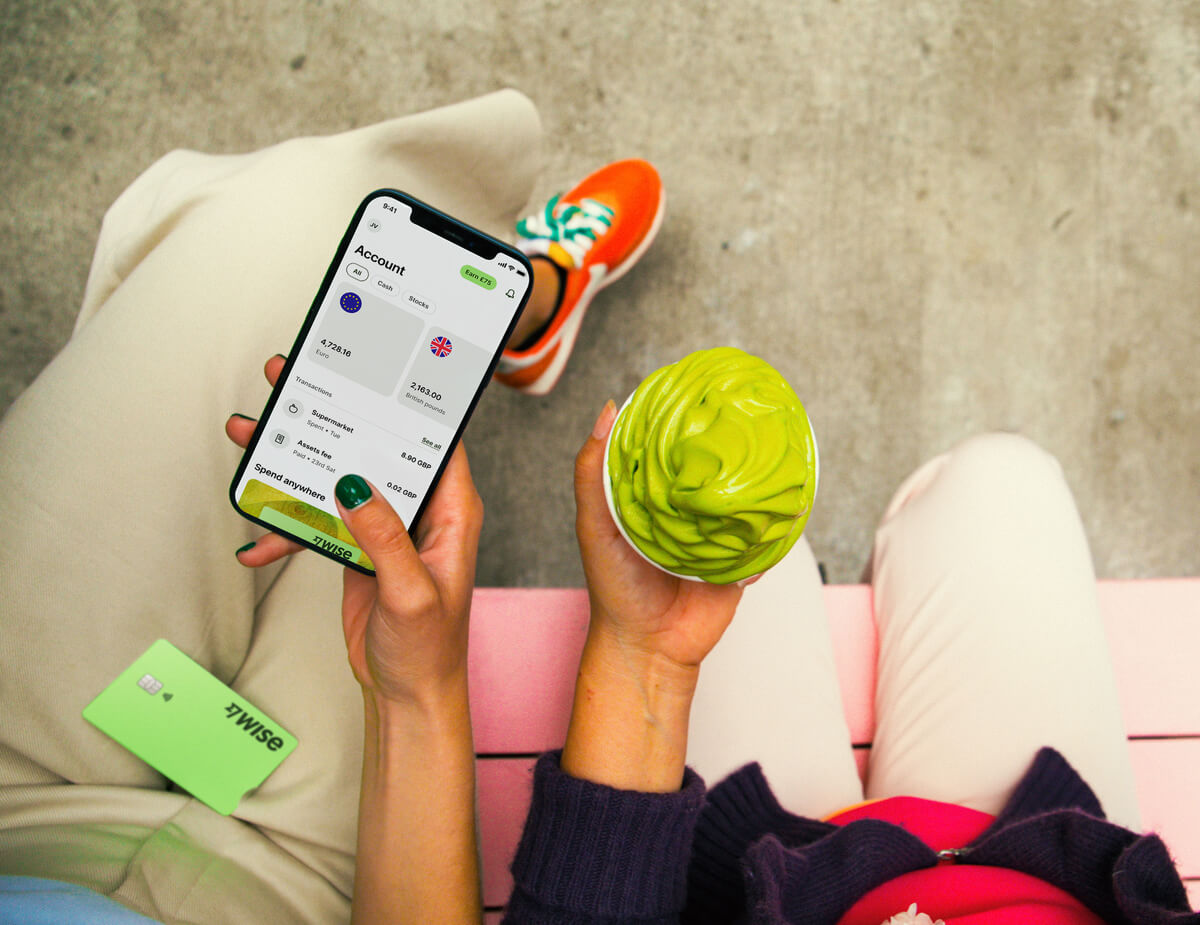
The Wise account is an easy way to hold and exchange 40+ currencies, including MYR, USD, GBP, and more. All you need to do is create a free account to get started.
With Wise, you can exchange currencies at the mid-market rate each time, with low, transparent conversion fees from 0.71% and absolutely no markups. Plus, you can order a linked Wise card for convenient spending without any foreign transaction fees, and up to 1,000 MYR free ATM withdrawals to the value of 1,000 MYR when you're overseas. You'll even get 8+ local account details to get paid conveniently to your Wise account in MYR and a selection of other major global currencies.
Sending money or making payments abroad? Wise also offers fast, low cost transfers to 140+ countries - you can track your transfer in your account and your recipient will also be notified when a transfer reaches them.
*Please see terms of use and product availability for your region or visit Wise fees and pricing for the most up to date pricing and fee information.
This publication is provided for general information purposes and does not constitute legal, tax or other professional advice from Wise Payments Limited or its subsidiaries and its affiliates, and it is not intended as a substitute for obtaining advice from a financial advisor or any other professional.
We make no representations, warranties or guarantees, whether expressed or implied, that the content in the publication is accurate, complete or up to date.

Unsure whether to use OFX or Wise? Compare their real exchange rates, upfront fees, and minimum transfer amounts for Malaysians in our 2026 guide.

Sending money via IBG from Hong Leong Bank? Check the full transfer schedule, cut-off times, fees, and step-by-step instructions for HLB Connect.

Here's a step-by-step guide to using Wise for DuitNow transactions. Find out how to send MYR to a local ID or scan Alipay+ QR codes from the Wise app.

Sending money via Bank Islam IBG? This guide has the full timetable, transaction limits, and everything else you need before you hit send.

Not sure when your IBG transfer will arrive? This guide covers Bank Rakyat's full schedule, cut-off times, fees, and how to send – all in one place.

Remitly or Wise: which is better? Compare fees, transfer speeds, and pros and cons to find the cheapest way to manage your money in Malaysia.











