How to open an AlipayHK business account in Hong Kong?
Tap into Chinese consumer spending by setting up an AlipayHK business account. This guide for covers the application process for getting paid from Alipay users.



Already a ZA Bank customer? You don’t need to leave your app to benefit from Wise. ZA Bank has partnered with Wise Platform to integrate global payments infrastructure directly into its services. That means that ZA Bank customers can access international payment capabilities within their banking experience.
And, because ZA Bank has partnered with Wise Platform for multi-currency payments, when you use ZA Bank services, you may be able to access international payment features powered by Wise.
| Visit the official ZA Bank website for the latest fees, terms, and eligibility details. |
|---|
Starting a business in Hong Kong? One of the first steps is opening a business bank account, and ZA Bank is a great option for speed, convenience, and security. As one of Hong Kong's first virtual banks, ZA Bank lets you handle transactions online anytime, without the need to visit a physical branch.
This guide covers everything you need to know about setting up a business account with ZA Bank, including fees and features.
While ZA Bank's entire operation is digital, ZA Bank is fully licensed by the Hong Kong Monetary Authority (“HKMA”) and a member of the Deposit Protection Scheme so each of your deposits of up to 800,000 HKD is insured!
ZA Bank business accounts share several similar features to a ZA Bank personal account. These features include express online application, international money transfers, multi-currency deposit (HKD, RMB, and USD)5, and seamless access to other valuable financial tools.
Additionally, a ZA Bank business account offers tailored features which are solely meant to support your business. If you're seeking funding for your startup or planning to expand your existing business with new branches, secure your financing needs with ZA Bank’s loan services for business accounts.
A key distinction between business and personal accounts is the fee structure. There are certain fees associated with a ZA Bank business account. A more detailed fee outline is provided below for your consideration.
| Service | ZA Bank Fees (HKD)1 |
|---|---|
| Account Opening | Via Website: $1,200 Via Relationship Manager: $10,000 |
| Company search | VVia Website: $300 Via Relationship Manager: $1,000 |
| Telegraphic transfer | VHandling fee: $100 Correspondent bank fee: at cost Bank's standard form: $150 |
| Local money transfer | VCHATS: $50 + fees levied by the correspondent bank FPS: $1 or $10, depending on how much you send |
| Monthly service fee | Waived |
| Company information amendment | $200 |
The eligibility for opening a ZA Bank business account may vary depending on your business structure. Find each eligibility section that works for your business structure below:
Sole Proprietorship2
Partnership2
Limited Company2
Required documents for opening a ZA Bank business account may also vary depending on your business structure. Find out each paperwork you need to submit for your business structure below:
Sole Proprietorship6
Partnership6
Limited Company6
These are all the required documents for each structure. ZA Bank also shares a more detailed checklist for you to refer to when opening a ZA Bank business account.
You can only open a ZA Bank business account if your company is a Sole Proprietorship, Partnership, or Limited Company, and is registered or incorporated in Hong Kong. All your related parties (partners/shareholders/directors) must also have valid HKID cards.
But don’t worry if you can’t meet one of the requirements! In that case, a relationship manager from ZA Bank might contact you to review the application.
Here are some general steps you can follow to open a ZA Bank business account online:
Visit ZA Bank’s business account registration website to access the online application form.
This application will ask for general information, such as the contact person’s full name, email address, Hong Kong ID number, and mobile number. You will also need to provide details about your business, including the address, taxation information, and all relevant contacts (partners, shareholders, and directors).
You will need to complete your identity verification through the ZA Bank app. Make sure to prepare your Hong Kong Identity Card to do selfie verification. Provide your electronic signature to complete the verification.
You will receive a call from ZA Bank for verification. The number will be from (852)-3665-3665.
Opening a ZA Bank business account is quick and easy. You can apply with just a phone and, if all necessary requirements are met, the entire process can be completed within 1 working day. Once approved, you can immediately start managing your business’s finances through the ZA Bank Mobile Banking app.
It is worth noting though, the actual processing time may vary if special circumstances arise. If you're the main contact person, be sure to monitor the status of your application4.
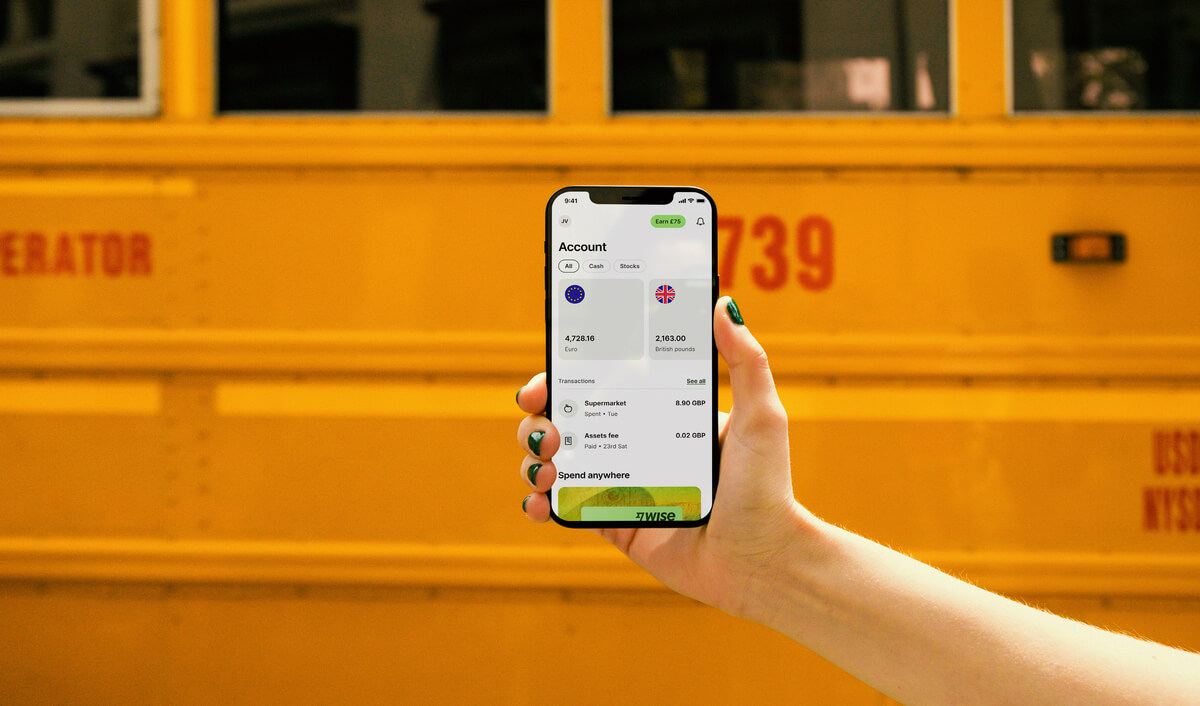
Virtual banking like ZA Bank offers an innovative financial solution for your business. It’s fast, it’s convenient, and it’s secure! What makes a ZA Bank business account even better? The ZA Bank business account supports overseas transfers in HKD, RMB, and USD. So you can easily run your international business from the comfort of your home all day.
Sources last checked on 21-Oct-2024.

Want more insights? Sign up to the Wise Business newsletter 💼
*Please see terms of use and product availability for your region or visit Wise fees and pricing for the most up to date pricing and fee information.
This publication is provided for general information purposes and does not constitute legal, tax or other professional advice from Wise Payments Limited or its subsidiaries and its affiliates, and it is not intended as a substitute for obtaining advice from a financial advisor or any other professional.
We make no representations, warranties or guarantees, whether expressed or implied, that the content in the publication is accurate, complete or up to date.

Tap into Chinese consumer spending by setting up an AlipayHK business account. This guide for covers the application process for getting paid from Alipay users.

Learn how to open a WeChat Pay HK business account with our step-by-step guide. Accept payments from customers and boost your Hong Kong business.

Explore how to open a Citibank business account in Hong Kong with our comprehensive guide. Learn about eligibility, document requirements, and potential fees.

Explore how to open a Bank of China business account in Hong Kong with our comprehensive guide. Discover the key features and benefits.

Open a livi Bank business account in Hong Kong with fast approval, easy online setup, and secure services. Learn more about fees and features.

Learn how to set up a PayMe business account in Hong Kong, explore features, fees, and start collecting payments seamlessly for your business.











