How to open an AlipayHK business account in Hong Kong?
Tap into Chinese consumer spending by setting up an AlipayHK business account. This guide for covers the application process for getting paid from Alipay users.


One of the most obvious advantages of operating a business in Hong Kong is an easier access to the Chinese market, reaching billions of potential consumers from the Mainland.
But running a business in Hong Kong you also understand that access alone indeed isn’t enough: you also need to make it easy and seamless for customers to buy from you! One of the most effective ways to do this is to offer payment methods they already know and trust. And, for Chinese consumers, that often means WeChat Pay.
While WeChat Pay offers tremendous opportunities for businesses in Hong Kong, you might find the process to apply for one account is often too confusing. Don’t worry, this one article will provide a comprehensive, step-by-step guide for Hong Kong businesses on opening and managing a WeChat Pay business account.
If you are looking for another alternative to manage money across borders – check out Wise!
Created by the tech giant Tencent, WeChat Pay is a digital solution to nearly every aspect of daily life in Mainland China – from paying for meals and shopping online to transferring money to friends and so much more. Transactions are entirely cashless and card-free; all you need is your smartphone to scan a QR code. Beyond making life more convenient for locals, the app also serves as a gateway for tourists and expats, who often find international payment methods like Mastercard or Visa less widely accepted in China.
In short, WeChat Pay has become one of the most dominant payment methods in Mainland China. Understanding the prevalence of WeChat Pay makes it clear for Hong Kong merchants to include WeChat Pay as a payment option – installing this digital wallet is a smart practice that helps reduce friction for Chinese customers and makes their shopping experience smoother and more satisfying.
Simply put, accepting WeChat Pay can unlock new customer segments and drive sales for your Hong Kong business!
It is worth noting that WeChat Pay HK and WeChat Pay are entirely two different wallets. And funds cannot be transferred between these two wallets.
Yet in general, WeChat Pay HK is not too different from the Mainland version; it is a digital payment service built within the WeChat App – the only difference between these two is that the HK version is tailored specifically for the Hong Kong market. So the HK version mostly lets you settle in HKD, and you can also opt for cross-border payments; and your money is protected under Hong Kong’s financial regulations.
When customers use the mainland version of Wechat Pay to pay you, the app will let customers use RMB to pay, then WeChat Pay will convert RMB into HKD to settle with you1.
WeChat Pay HK also has two versions of its account: WeChat Pay HK personal and WeChat Pay HK Merchants account. As long as you are running a business that needs to receive payments from customers, you may qualify for a WeChat Pay HK merchant account.
As mentioned above, WeChat Pay HK allows its users to settle in HKD. A WeChat Pay HK merchant account can serve both local Hong Kong customers and Mainland China customers through cross-border payment functionality. But, in order to receive RMB from Mainland customers, you will firstly have to also integrate with WeChat Pay mainland, and connect to the cross-border payment function as well. And Wechat Pay will convert RMB into HKD to settle with you1.
It is worth noting that receiving RMB - and enjoying auto conversion to HKD function - is only available to merchant accounts, not personal accounts. Therefore, if you use personal WeChat Pay HK as a payment method for your business, you won’t be able to receive the payment.
Beside from accepting payment from mainland WeChat Pay users, let’s take a look of some benefits for a WeChat Pay HK for Business:
Businesses of any size can apply to become WeChat Pay HK merchants. However, they must also meet the verification requirement: the application must be submitted either by the business’s beneficial owner or by a duly authorized representative acting on their behalf. Applications submitted through accounts not belonging to the beneficial owner will not pass the platform’s review.
On top of that, in order to be eligible for WeChat Pay Cross-border Payment Service and receive RMB, the business must belong to a certain category provided by Wechat.
Generally speaking, you will be asked to submit these documents for a WeChat Pay HK business account:
There are two ways to become a WeChat Pay HK merchant: Apply through WeChat Pay HK Payment Code app or apply via email. Here how you can apply with each method:
If you just want a simple QR code to display on your store, you can apply through the “WeChat Pay HK Payment Code mini-program.” Follow these simple steps for an efficient application process:
For any other type of payment needs, you can directly email to hkpayment@wechat.com together with these information
WeChat Pay offers unparalleled reach, but you should also approach it with a clear understanding of the fee landscape. It is quite challenging to see the clear picture of WeChat fees for merchants because WeChat doesn’t really publish this information.
Hence, business should consult with WeChat Pay HK to understand the fee structure.
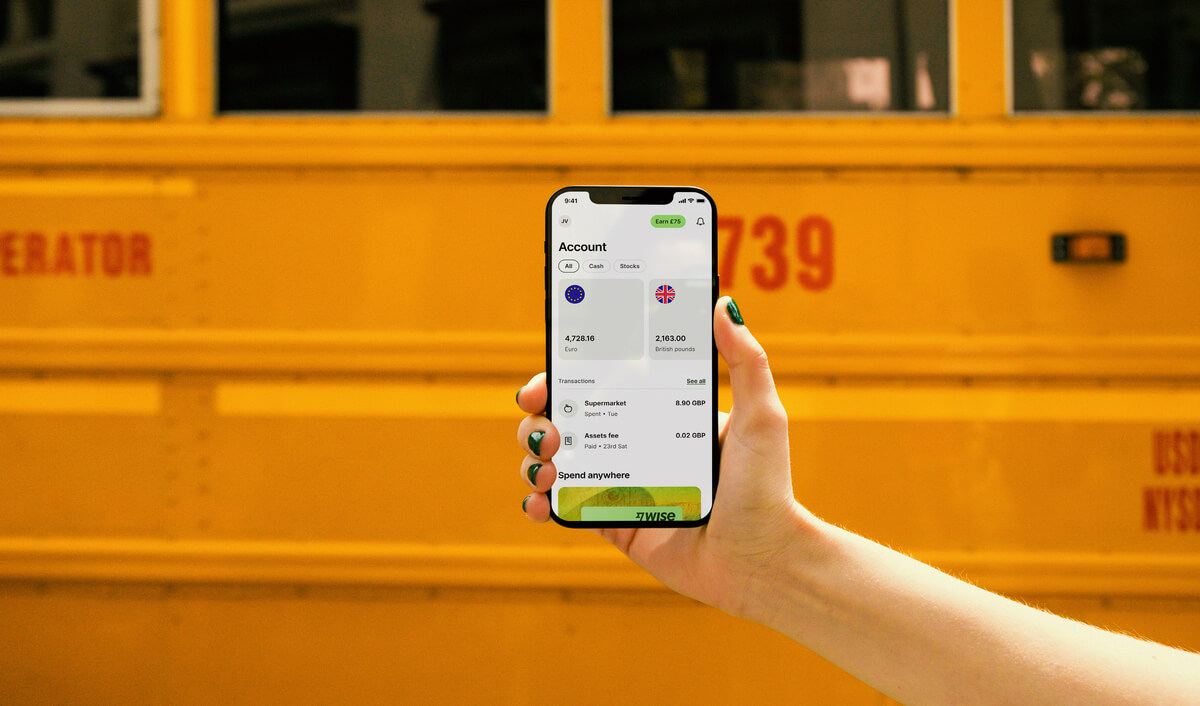
A WeChat Pay HK merchant account is undoubtedly a must-have for reaching Chinese customers, given its strong user base. At the same time, you should also look at platforms that support a wide range of currencies and provide the financial backbone to ensure that the opportunities unlocked by WeChat Pay can be managed both profitably and seamlessly.
In addition to Wechat Pay HK, you might consider adding Wise. With Wise, you can manage your money through a digital platform. With a single account, you can send and receive money overseas! Simply use the Wise app or any web browser to access your Wise account to manage your business finance, anytime and anywhere.
Registering with Wise can also be entirely digital - there’s no need for you to visit any physical branches. Plus, with Wise, you can receive 23+ currencies with just one account, including local account details for 8+ major currencies like HKD, USD and EUR. You can also send money to 140+ countries, tracking your payments in real-time! Similar to WeChat Pay, businesses can show the QR code for customers to pay with a card!
Ready to expand your reach with WeChat Pay and manage your international funds effortlessly? Open a Wise Business account today and start saving on currency conversion and transfer fees.
Sources last checked on 29-September-2025

Want more insights? Sign up to the Wise Business newsletter 💼
*Please see terms of use and product availability for your region or visit Wise fees and pricing for the most up to date pricing and fee information.
This publication is provided for general information purposes and does not constitute legal, tax or other professional advice from Wise Payments Limited or its subsidiaries and its affiliates, and it is not intended as a substitute for obtaining advice from a financial advisor or any other professional.
We make no representations, warranties or guarantees, whether expressed or implied, that the content in the publication is accurate, complete or up to date.

Tap into Chinese consumer spending by setting up an AlipayHK business account. This guide for covers the application process for getting paid from Alipay users.

Explore how to open a Citibank business account in Hong Kong with our comprehensive guide. Learn about eligibility, document requirements, and potential fees.

Explore how to open a Bank of China business account in Hong Kong with our comprehensive guide. Discover the key features and benefits.

Open a livi Bank business account in Hong Kong with fast approval, easy online setup, and secure services. Learn more about fees and features.

Learn how to set up a PayMe business account in Hong Kong, explore features, fees, and start collecting payments seamlessly for your business.

Learn how to open an Interactive Brokers business account for your company. Discover fees, features, and how to manage investments globally with IB.











