
Guide on small business invoicing software in the Philippines
Compare the best invoicing software for small businesses in the Philippines and learn which ones fit your needs best.


With roughly $78bn moving through online channels in the Philippines, digital payments are now a core part of daily business¹. From local e-wallets like GCash and PayMaya to card payments and buy now, pay later services, Filipino consumers now expect to have multiple options when they check out at online stores.
Understanding these payment types is vital for businesses, as getting the right mix can attract new customers and drive growth.
In this guide, we’ll look at the most popular online payment methods in the Philippines, the fees involved, and what you should consider when deciding which options to accept.
| Table of Contents |
|---|
Online payment methods are ways of sending or receiving electronically through the internet, on websites and mobile apps. Instead of using physical cash, customers pay online using credit cards, bank transfers, and other alternative methods.
According to the Bangko Sentral ng Pilipinas (BSP), digital payments made up 42.1% of all retail transactions in 2022 – a big jump from the year before¹. For MSMEs, this shift to mobile wallets and online checkouts demonstrates that offering accessible ways to pay can meet rising customer expectations, reach more buyers, and ultimately bring in more sales.
There are other upsides, too: Businesses reduce their cash handling, can automate record keeping, and start taking sales across different regions and markets.
There are multiple widely accepted and trusted payment methods in the Philippines. Here’s a practical breakdown of how each one works and who they suit best.
Digital wallets allow customers to store funds digitally and pay without using cash or a physical card. With this method, people either top up their balance or receive funds, then use the wallet to scan a QR code or ‘double-tap to pay’ through their phones and at online stores. They’re popular in the Philippines because they’re fast and familiar, and don’t require a traditional bank account.
GCash is the market leader with roughly 94 million registered users². Its prevalence means many major payment processors, such as Adyen, support GCash³, so it should be easy enough to offer at online checkouts. Other popular e-wallets include PayMaya, GrabPay and Coins.ph.
Best for:
Credit and debit cards are one of the more traditional and widely accepted payment methods for online purchases. Major card networks in the Philippines include Visa and Mastercard, though many domestic electronic payments are actually routed through BancNet, the country’s main interbank network, and the clearing switch operator (CSO) behind InstaPay⁴.
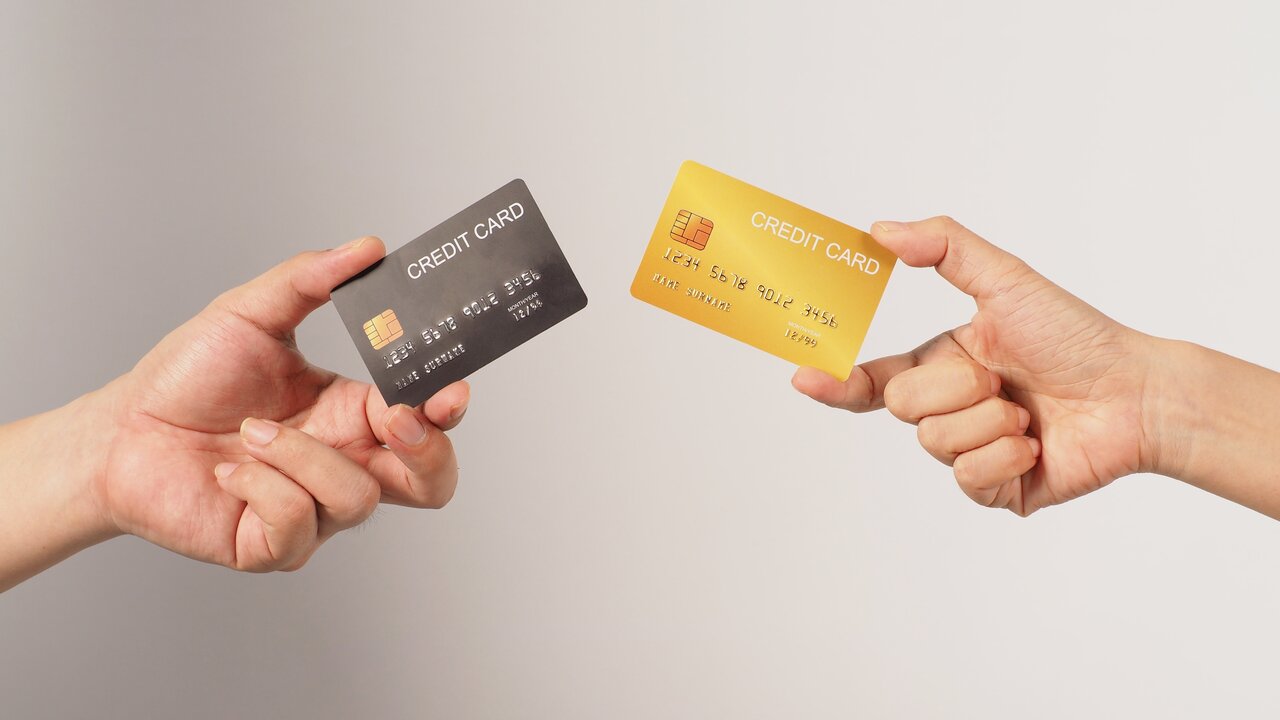
The process is quite straightforward: customers enter their card details during checkout, and then the payment is quickly authorized through a payment gateway. They’re still usually the default for higher-value purchases, as well as for recurring subscriptions and any cross-border transactions.
Best for:
Bank transfers let customers move money directly from their bank account to yours – no cards or e-wallets required. In the Philippines, most of these payments run through InstaPay (quick, low-value transfers) or PESONet (batch transfers processed once per day)². Customers initiate the payment through their bank’s mobile or online portal by entering the business’s bank details.
For MSMEs, bank transfers are often used for larger purchases or B2B transactions. But they usually require the customer to manually enter account information and send proof of payment, so clear instructions are required to reduce errors.
Best for:
BNPL services let customers split a purchase into instalments instead of paying the full amount straight away. They’re popular because they make bigger purchases feel more manageable, and don’t require a credit card, with the caveat that late payments often come with interest and penalties.
Popular BNPL providers in the Philippines include BillEase, which offers a flexible ‘Pay in 4’ option, Home Credit, Atome, and UnaCash. For businesses, integrating these services into online checkouts can increase conversion rates by making products more affordable at the point of sale.
Best for:
Multi-currency accounts like Wise Business allow businesses to hold, send, and receive money in several currencies, without the hassle of opening separate bank accounts in each country. They’re useful for MSMEs that work with overseas clients or suppliers because you get local bank details (e.g. USD, EUR) and receive payments as if you were based in that market.
For daily operations, they usually charge lower fees than traditional banks and help reduce foreign exchange costs. The main consideration here is that transfers still rely on bank rails, so payout times can vary depending on the currency and destination.
Best for:
With so many different payment methods available, it’s not always easy to decide which options make sense for your business. To get the right mix, you should:
Customers want convenience when at online checkouts – their preferences should be a starting point. Local consumers may prefer digital wallets like GCash, while international customers might expect card payments. Research how your target audience typically pays and prioritize these methods.
Digital payments are growing in the Philippines, but only 58% of adults aged 18+ have formal financial accounts, so it’s best to avoid relying on a single payment method⁵. Similarly, using platforms that support QR code options at checkout can make it easier for customers to pay with their smartphones.
Make sure to check the costs and payout speeds of the different payment options.
Choosing payment options that work seamlessly with your current setup. In the Philippines, platforms like PayMongo offer ready-made plugins for Shopify and WooCommerce⁶, while GCash can be accepted through processors that support it. Good integrations reduce manual reconciliation (and errors) and cut down on admin.
If you serve overseas customers, it’s best to look for payment options that support multiple currencies and offer predictable payout times – or plug into accounts that let you receive and settle funds in foreign currencies without surprise deductions.
There are a few standard charges and fees to account for when taking online payments:
When receiving payments from recipients outside the Philippines, you’ll likely run into:

With a Wise Business multi-currency account, you can access over 8+ local account details — far more currency options than the handful most banks offer. Plus, Wise makes it easy to hold, send, receive, and exchange 40+ currencies from a single account.
With the freedom to send and receive payments in more currencies globally, you can focus on what matters most: growing a local business that knows no borders. Here's what you get with a Wise Business account:
➡️Get started with Wise Business today
Wise Pilipinas Inc. is regulated by the Bangko Sentral ng Pilipinas. You may visit the BSP website for more information about its regulatory framework and consumer protection policies. To reach Wise, visit help center here.
Sources:
*Please see terms of use and product availability for your region or visit Wise fees and pricing for the most up to date pricing and fee information.
This publication is provided for general information purposes and does not constitute legal, tax or other professional advice from Wise Payments Limited or its subsidiaries and its affiliates, and it is not intended as a substitute for obtaining advice from a financial advisor or any other professional.
We make no representations, warranties or guarantees, whether expressed or implied, that the content in the publication is accurate, complete or up to date.
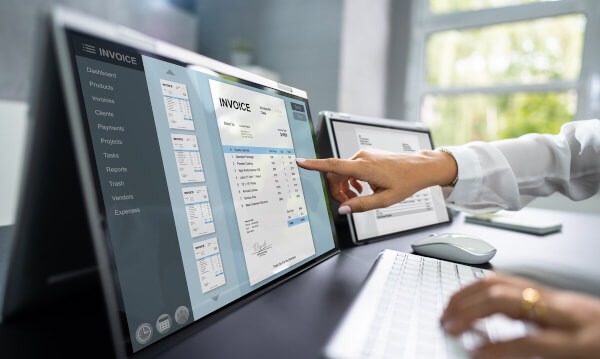
Compare the best invoicing software for small businesses in the Philippines and learn which ones fit your needs best.
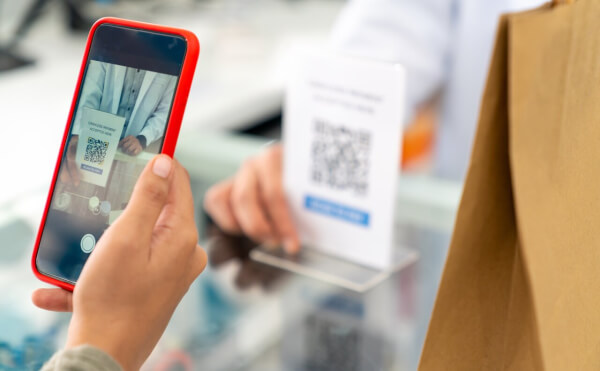
Learn how to accept credit card payments in the Philippines. Find different ways to accept payments, fees, challenges, and more.
Find the best payment gateway in the Philippines for your business needs. Compare available payment methods, fees, security and integrations.
Discover how payment links work, and how they help businesses get paid faster and more securely, and ensure smooth online transactions.
GCash QR allows merchants in the Philippines to accept local payments easily. This guide shows you how to get GCash QR code for your business.

Learn the best ways to receive Upwork payments in the Philippines. Compare bank transfers and alternatives to save on fees and get paid faster.











