
Guide to business insurance types and providers in the Philippines
Learn about the types of business insurance in the Philippines, from property to liability cover, and discover how to find the right policy for your company.


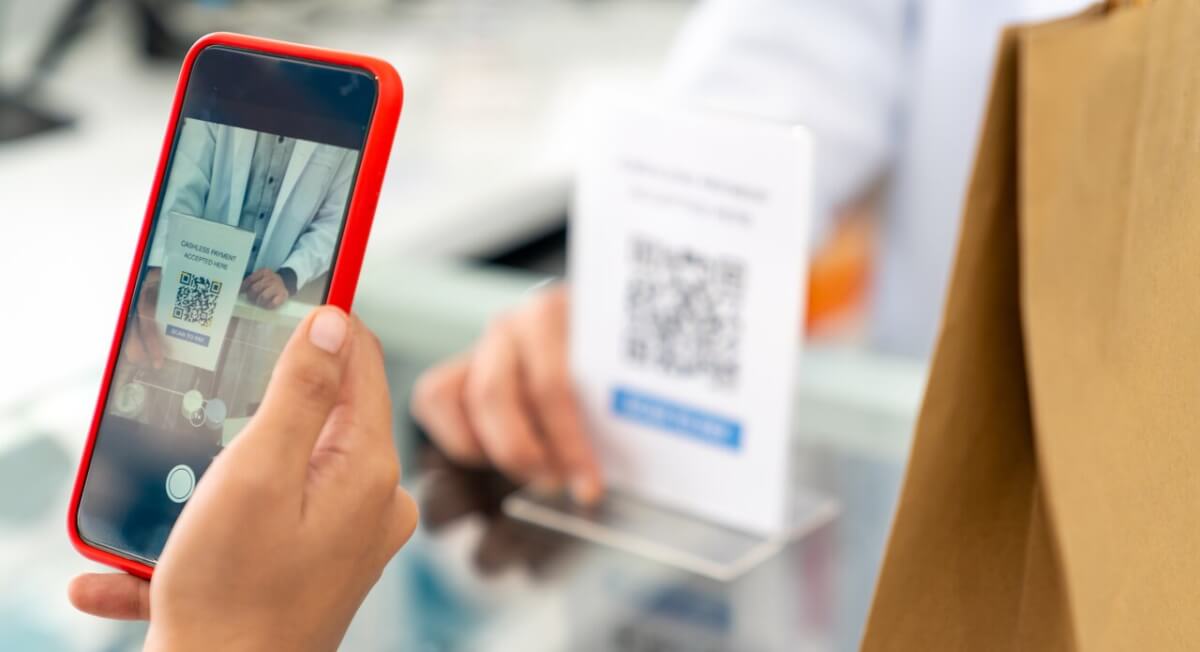
Digital payment adoption in the Philippines has transitioned from a convenience to a mandatory business standard. The QR Ph standard has gained significant traction across the Philippines, driven by the growing public preference for digital wallets as a primary payment method.
As demand for QR-based transactions continues to rise, small- and medium-sized enterprises (SMEs) must adapt to remain competitive. In this article, we’ll cover how businesses in the Philippines can start processing QR Ph payments.
| Table of Contents |
|---|

QR Ph is the Philippines’ national QR code standard, developed by the Bangko Sentral ng Pilipinas (BSP). Based on the global Europay-Mastercard-VISA (EMV) standard, it is designed to eliminate payment fragmentation by ensuring interoperability between different financial institutions².
From a merchant’s perspective, that interoperability means you no longer need five different standees for five different e-wallets. Instead, you can accept transfers from various banks and digital wallets through a single, unified QR code².


Before you begin the registration process with your selected provider, decide how you want to display your QR code based on your business flow:
Static QR (Stick-and-Pay): A printed code on your counter. Customers scan it and manually enter the amount. Best for small shops and quick transactions.
Dynamic QR (Amount-Embedded): Generated per transaction via a mobile app or POS terminal. The amount is already included, so the customer just taps "Pay." This reduces errors and prevents fraud.
Online/API: For e-commerce, the QR code appears at the checkout screen of your website.
| Tip: Test run a small transaction (e.g., ₱1.00) using a different bank app to ensure the QR Ph interoperability is working and the funds reflect in your dashboard. |
|---|
**Extent of requirements vary per merchant acquirer or payment service provider
While the QR Ph standard ensures that one code works for everyone, not all payment providers offer the same tools or terms. To accept these payments, you must first partner with a Payment Service Provider (PSP)—typically a bank or a fintech company—that will issue your official QR Ph code and handle your settlements.
When selecting a partner, consider these three factors:
| Feature | HitPay | Maya Business | PayMongo |
|---|---|---|---|
| QR Ph MDR | 1.0%⁶ | 1.5% (Standard)¹⁰ | 1.5%⁷ |
| Settlement | Next banking day (T+1)⁷ | Next banking day (T+1)⁸ | Next banking day (T+1)⁷ |
| Hardware & other requirements | A smartphone or tablet with internet connectivity The free HitPay mobile app A HitPay merchant account⁶ Business account will require verification | Maya Business mobile app or web dashboard Smartphone or tablet with internet connectivity Maya Business account with completed verification Integration with existing POS systems (optional)⁶ | PayMongo Dashboard (Mobile/Web) Mobile number for SMS notifications Internet (Wi-Fi/4G) for Soundbox or dashboard⁹ Business account will require verification |
| Best For | Maximum mobility, instant setup⁶ | Comprehensive business tools, Advanced reporting⁶ | Seamless API integration |


If you're a business in the Philippines trying to go global, you've probably hit a wall of confusing foreign exchange fees when collecting payments from international customers. Wise Business helps you cut through all that complexity—be it a local bank transfer or a wire transfer. By simplifying how you receive payments, you're free to pursue what matters—growing a local brand with global sights.
➡️Get started with Wise Business today
Wise Pilipinas Inc. is regulated by the Bangko Sentral ng Pilipinas. You may visit the BSP website for more information about its regulatory framework and consumer protection policies. To reach Wise, visit help center here.
1. What are the typical fees for accepting QR Ph?
Standard Merchant Discount Rates (MDR) range from 1.0% to 1.5%. Most providers have zero monthly subscription fees, making it much cheaper than traditional credit card terminals.
2. Can customers pay using any app?
Yes. QR Ph supports all major banks like BDO and BPI, plus e-wallets like GCash and Maya.
3. How quickly are funds settled?
Most transactions settle on a T+1 (next business day) basis via the InstaPay or PESONet clearing houses⁶,⁸.
Sources
*Please see terms of use and product availability for your region or visit Wise fees and pricing for the most up to date pricing and fee information.
This publication is provided for general information purposes and does not constitute legal, tax or other professional advice from Wise Payments Limited or its subsidiaries and its affiliates, and it is not intended as a substitute for obtaining advice from a financial advisor or any other professional.
We make no representations, warranties or guarantees, whether expressed or implied, that the content in the publication is accurate, complete or up to date.

Learn about the types of business insurance in the Philippines, from property to liability cover, and discover how to find the right policy for your company.

Compare the cheapest POS system for small business in the Philippines. Explore pricing, features, hidden costs, BIR compliance, and payment support.

Compare PayMongo vs Dragonpay features, fees, and payment methods to find the right gateway for your Filipino business, plus see how Wise Business can help.

Learn how to choose and open a business savings account in the Philippines. Explore requirements, and discover digital alternatives like Wise Business.

Compare the best payroll software for small business in the Philippines. Learn key features, pricing, compliance, and simplifying international payroll.

Compare the best small business accounting software in the Philippines. Explore features, pricing, bookkeeping tools, and more.











