
Guide on selling a business in Australia: Tips, steps & more
Considering selling a business in Australia? From valuations to negotiating with buyers and fulfilling tax obligations, we’re covering the need-to-know info.


Choosing the right accounting software is a big decision for your business. It’s basically the nerve centre for all your bookkeeping and finances, giving you the tools to match your internal records with bank statements, send invoices, manage payroll, and more.
QuickBooks and Xero are two very popular accounting options in Australia. In this guide, you’ll get a clear, in-depth comparison of QuickBooks vs Xero — what they do, how they differ, and what those differences mean for your business.
| Table of contents |
|---|

QuickBooks and Xero are cloud-based accounting platforms that centralise financial activity. They replace scattered records and time-consuming manual inputs with a live, automated system that keeps track of all the money moving in and out of a business.
Critical business data involving sales, expenses, payments, and tax information all flow into this single “hub,” giving users a better view of their finances and supporting better decision-making.
Both QuickBooks and Xero can be used to:
US-based QuickBooks is used by startups and mid-sized companies to manage everyday financial admin. Over time, it has evolved into a broader online workspace, bringing together invoicing, bills, payroll, and reporting. QuickBooks, which has 7 million customers¹, recently confirmed that it’s focusing on cloud services, with desktop software scheduled to be phased out².
Xero was founded in New Zealand and now has over 4.6 million global subscribers³. It’s built mainly for sole traders and small businesses that want a cloud-based system to handle day-to-day bookkeeping. It’s flexible and accessible, too — all plans support unlimited users, making it easy for teams or accountants to jump in when needed⁴.
QuickBooks and Xero use a subscription-based pricing model for their accounting services. They each have four main tiers, which smooths the process for comparing pricing. There aren’t any “free” plans, but both platforms usually have a 30-day trial to test features before committing to a paid subscription.
Here’s an overview of the pricing for each of the respective plans on QuickBooks versus Xero.
| Plan | QuickBooks⁵ | Xero⁶ |
|---|---|---|
| Entry-level | Simple Start - $33 per month | Ignite - $35 per month |
| Mid-tier | Essentials - $60 per month | Grow - $75 per month |
| Advanced | Plus - $84 per month | Comprehensive - $100 per month |
| High-end | Advanced - $125 per month | Ultimate 10 - From $130 per month |
In addition to the monthly fee, you might also have to pay for extra features and users on these platforms, depending on your specific use case.
QuickBooks has four tiers, with set pricing up to $125 per month for Advanced.
With QuickBooks, payroll is an “add-on”; there aren’t any included allowances. You’ll have to pay a $6 fee per employee per month, but you can scale up and down when it’s convenient for you⁵.
Xero also has four tiers with set pricing, but the highest tier, Ultimate 10, can go up to $272 per month.
Payroll features are included in all Xero plans, though there is a cap on the number of people you can add per tier. For example, with Grow, you only get a 2-person payroll, with this increasing to between 10 and 100 with Ultimate 10. There’s a $2 fee for each person thereafter, up to a max of 200 people.
There are two other variable fees: $5 per additional user for claiming expenses and mileage, and $7 per additional user for tracking projects (Ultimate 10-only)⁶.
So, is QuickBooks better than Xero? We’ll try to take a step closer to answering that all-important question with a full rundown of the features. First, there’s a table overview, then a direct comparison between all the main things on offer.
| Feature | Xero⁶ | QuickBooks⁵ |
|---|---|---|
| Reconcile bank transactions | ✅Every plan | ✅Every plan |
| Send quotes and invoices | ✅Ignite limited to 20 invoices per month | ✅Unlimited |
| Enter bills | ✅Ignite limited to 5 bills per month | Available from Essentials |
| Track GST and lodge BAS | ✅Every plan | ✅Every plan |
| Manage payroll | ✅Every plan but tiered allowances | Add on |
| Claim expenses | Available from Grow with tiered allowances | Available from Essentials |
| Integrate with Wise Business | ✅Yes | ✅ Yes |
| Multi-currency support | Comprehensive and Ultimate 10 only | Available from Essentials |
| Track projects | Ultimate 10 only | Plus and Advanced only |
As you can see, there’s an overlap with most features, though there are differences in how they’re implemented or presented. Let’s look at those in more detail.
Xero and QuickBooks are, generally, both quite easy to use with simple dashboards and accessible tools which can be wielded by most non-technical users.
Xero uses a simple top-navigation menu where you can get right into all the main features, like bank reconciliation and paying bills⁷. The dashboard provides a clear overview of bank balances for cash flow, and anything that’s due (invoices, etc). It also has a consistent layout across desktop and mobile.
QuickBooks recently rolled out a new design for “Modern Reports” with a streamlined top panel and tweaked layout providing clearer tables and visuals⁸. The dashboard shows all the important details, like income, expenses, and sales at a glance. Like Xero, the mobile app offers a very similar experience.
QuickBooks lets you create professional invoices and add payment details for fast payments, then track the status from the dashboard. You can also set up recurring invoices. Xero works similarly, with customised invoices and automated reminders.
One difference to note around invoicing: QuickBooks offers unlimited invoicing from the lowest tier, whereas Xero’s entry-level plan caps the allowance at 20 invoices per month.
For billing, QuickBooks includes tools to enter bills, schedule payments, and organise expenses from the “Bills” section. Xero works in pretty much the same way, allowing users to add bills, store copies of supplier invoices, and track what’s owed and to whom from the “Bills” dashboard.
Xero and QuickBooks make bank reconciliation a breeze with automatic bank fees. After linking bank accounts within seconds, data then flows into the respective platforms automatically, ready for you to match and approve.
Xero provides instant match suggestions, which you can reconcile with one click, or if you prefer, you can set up your own rules for specific transactions⁹. QuickBooks also lets you “tick off” transactions and provides reports to help you identify any discrepancies¹⁰.
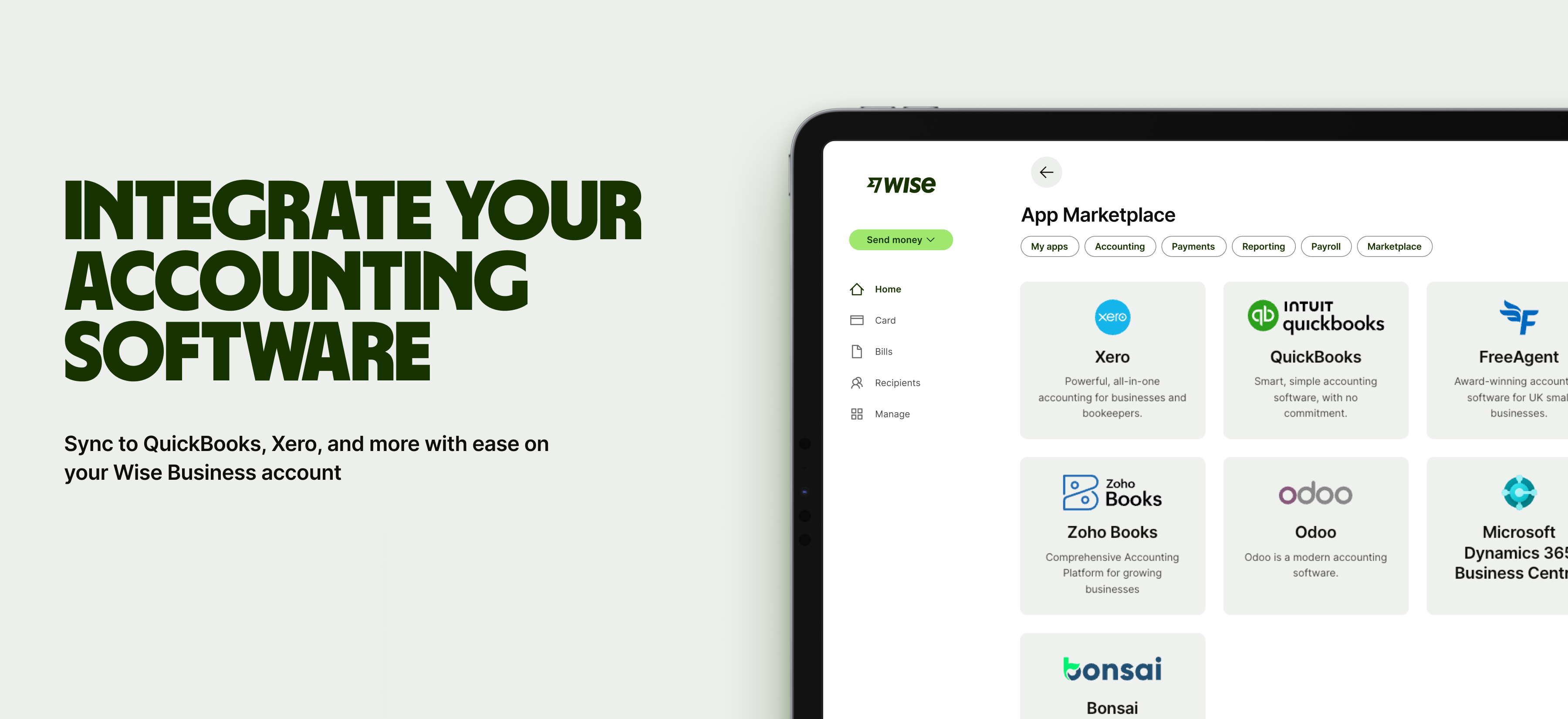
If your business sends or receives money globally, Wise Business can integrate with Xero and QuickBooks here, for even more functionality. This allows users to:
Sign up for the Wise Business account! 🚀
QuickBooks offers three main inventory features: inventory tracking, purchase orders, and sales orders. However, these are only available on the two highest tiers, Plus and Advanced⁵. You won’t be able to track your inventory on the lower Simple Start or Essentials plans unless you connect a third-party app like Shopify.
In contrast, Xero includes inventory management across all its plans, with support for up to 4,000 different items, which can be added to invoices and purchase orders¹¹. Xero says customers can also integrate a third-party inventory app from the store for more advanced features and larger inventories¹².
Both Xero and QuickBooks have Single Touch Payroll software. This is convenient, allowing you to lodge all the important details (PAYG, super, etc.) with the ATO automatically during each pay run. You can also automate tax calculations and other reporting obligations on both platforms. And both are STP Phase 2 compliant.
However, they do differ slightly in depth of features and how payroll is handled day to day.
Xero offers quite a few visualisation and forecasting tools. Only “advanced KPI analysis” is locked to the highest tier, so most users will be able to cycle through multiple graphs to make sense of their data⁶. These can also be customised with different logos and colours, and then exported to share with others.
QuickBooks groups its reporting and analytics features under “Business Intelligence,” where users across all tiers can generate and export profit and loss sheets and expense reports⁵. However, things like forecasting, custom dashboards, and custom report building are exclusive to the highest tier.
Both QuickBooks and Xero offer a big library of tools that integrate seamlessly with the software. Xero has the edge in terms of numbers, boasting 1,000+ tools¹⁵, compared to the 500+ on offer with QuickBooks¹⁶. Users can download apps from respective app stores, which are well laid out and grouped by function and industry.
Xero comes with “unlimited” online support, but that’s mainly through its “Central” portal, where you’ll find lots of support articles and discussions. There’s no live chat, but you can click “Get in Touch” to send a query, and Xero will respond via email¹⁷.
QuickBooks has a vast learning and support hub, too, with user guides and training. You can even book a free 45-minute video session to onboard, and there’s an option for live chat within the software.
It’s also easier to talk with someone with QuickBooks: they have a support number you can call Monday to Friday between 8.30am to 6.30pm AEDT¹⁸. Xero doesn’t offer direct inbound phone support, but you can raise a ticket and request a call back for free¹⁹.
When comparing Xero vs QuickBooks in Australia, you’ll see that there’s quite an exhaustive list of features available. To find the right fit for your business, consider these factors:
Wise Business connects directly to both Xero and QuickBooks, so you can manage all your global payments in one place.
To get started, all you need to do is log in to either platform and link your Wise Business account. After that, your balances and transactions sync automatically. This means all your international payments and currency conversions land straight in your books without manual entry, making it easier to match your invoices, tidy up reconciliation and keep your multi-currency records accurate.
A Wise Business account allows users to can send, receive, and hold in multiple currencies. Experience hassle-free global transactions by transacting like a local business. Here's what you get with a Wise Business account:
Sign up for the Wise Business account! 🚀
This general advice does not take into account your objectives, financial circumstances or needs and you should consider if it is appropriate for you.
**Capital at risk, growth not guaranteed. Interest is the name of a custody and nominee service provided by Wise Australia Investments Pty Ltd in partnership with Franklin Templeton.
Sources:
*Please see terms of use and product availability for your region or visit Wise fees and pricing for the most up to date pricing and fee information.
This publication is provided for general information purposes and does not constitute legal, tax or other professional advice from Wise Payments Limited or its subsidiaries and its affiliates, and it is not intended as a substitute for obtaining advice from a financial advisor or any other professional.
We make no representations, warranties or guarantees, whether expressed or implied, that the content in the publication is accurate, complete or up to date.

Considering selling a business in Australia? From valuations to negotiating with buyers and fulfilling tax obligations, we’re covering the need-to-know info.

Searching for the best small business payment gateway in Australia? We’re comparing the top options in this explainer guide.

Compare Pty Ltd vs sole trader in Australia. Learn the key differences, tax implications, and costs, and how to choose the right structure for your business.

Learn how to secure a small business loan in Australia. Explore loan types, eligibility requirements, and a guide to preparing your application and docs.

Learn about retained earnings, the formula, balance sheet impact, and how to use accumulated profits for sustainable growth. Read here.

Learn how to calculate GST in Australia. Understand inclusive vs exclusive pricing, claim GST credits, and avoid common pitfalls to ensure business compliance.











