
The Ultimate Guide to BSN Interbank GIRO Transfers in Malaysia
Here’s your 2026 guide to BSN IBG transfers. Learn about processing times, fees, and step-by-step instructions to ensure your money arrives safely.


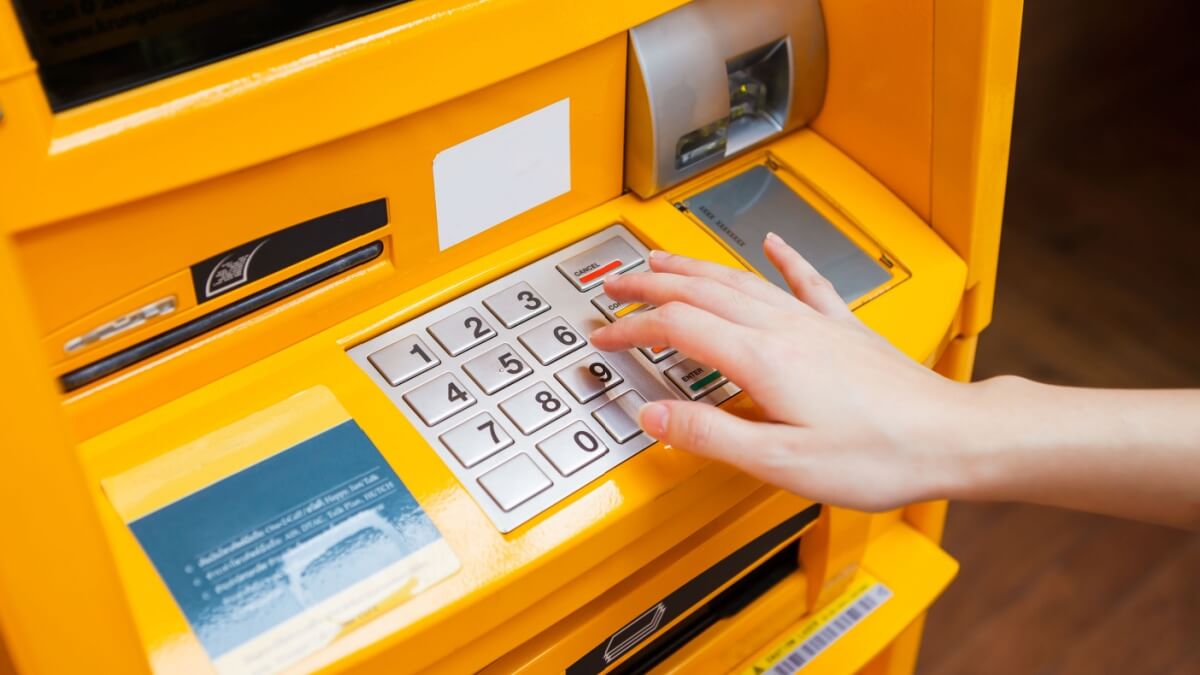
Ever forgotten your wallet and couldn’t pay for your meal at your favourite food stall because you didn’t have cash? That’s where Maybank's ATM Cash-Out feature comes in. Once activated on the MAE app, you can withdraw cash at selected Maybank ATMs without your physical card – or even touching the machine.
While this feature is useful in Malaysia, it’s limited to local ATMs. But not to worry. We'll also introduce the Wise card, a handy travel companion to make seamless card payments when you're overseas.
| Table of Contents |
|---|
Nowadays, it’s not uncommon for people to leave home with just their phone. Most shops and restaurants accept ApplePay, Google Pay, Touch ’n Go e-wallet and DuitNow QR payments.
But what happens when a stall only takes cash?
If you left your wallet behind, you aren't out of luck. Maybank customers can either use ATM Cash-Out to get money themselves, or use Cardless Withdrawal to send funds to a Malaysian mobile number so the recipient can collect the cash.
ATM Cash-out is Maybank’s solution for ATM cash withdrawals without a card. All existing Maybank ATM customers who also use the MAE app will be able to take advantage of this convenient feature. You’ll have to set it up in the MAE app, which is also used to withdraw cash from compatible ATMs.
As mentioned, Maybank offers two distinct cardless withdrawal options:
- ATM Cash-Out (via MAE): This is designed for you to withdraw your own cash without touching the ATM keypad. You log into the MAE app, enter your withdrawal amount, scan a QR code on the ATM screen, confirm the account, and take your cash.
- Cardless Withdrawal (via Maybank2u): This is primarily for sending money to others (though you can send it to yourself). Using the Maybank2u app, the sender enters the recipient’s mobile number, name, and transfer amount. The sender receives a withdrawal code via SMS, while the recipient gets a transaction ID. Both codes are required to withdraw the cash at a Maybank ATM.
You’ll have to activate the ATM Cash-out feature on the MAE app, and once it’s activated, there’s a 24-hour cooling-off period for security checks. Even if someone gains access to your account, you have a full day to spot the SMS and app notifications and contact Maybank to secure your money.
Ready to activate ATM Cash-Out? Here is how to do it:
- Log into your MAE app.
- Select ATM Cash-Out under "Quick Actions". (If you don't see it, tap "Customise" and add the icon to your home screen).
- Enter your password and agree to the Terms & Conditions.
- Approve the setup via Secure2u.
Once completed, you are all set – you just need to wait out the 24-hour cooling-off period.
As for how to do a cardless withdrawal at a Maybank ATM, you’ll need to locate a designated ATM that supports the feature first. Once there, the ATM screen will display a QR code on the right side.
- Open your MAE app and select ATM Cash-Out under Quick Actions
- Log in using your 6-digit PIN or biometrics.
- Select or type in your preferred withdrawal amount.
- Scan the QR code on the right side of the ATM screen.
- Choose which account to debit on the confirmation screen, select it, then tap Withdraw Now.
Upon successful withdrawal, you’ll be able to take the money from the ATM directly without having touched it at all during this process.
Provide a clear breakdown of fees in the table below:
| Feature | MAE App (ATM Cash-out) | Maybank2u (Cardless Withdrawal) |
|---|---|---|
| Primary Use | Cash withdrawal from selected ATMs without a physical card. | Person-to-person transfers with immediate ATM withdrawal. (The recipient does not need to be a Maybank customer). |
| How it Works | Requires MAE app. Uses a QR code for a completely contactless process. | Requires MAE app. Both parties receive an SMS. The recipient uses a transaction ID and a withdrawal code to get the cash. |
| Daily Limit | Existing daily limits | 300 MYR per day¹ |
| Service Fee | None | 1 MYR service fee per transaction |
| Key Requirement | MEA app and selected ATM | Maybank2u app |
While traditional bank accounts are fantastic for convenience locally in Malaysia, especially with cardless withdrawals, they might not be the best choice for when you’re overseas and looking to withdraw cash. When you’re travelling, the Wise card can be a great option to stretch your MYR further thanks to no admin fees, dynamic currency conversion fees or foreign transaction fees of any kind.
If you are withdrawing cash locally in Malaysia, Maybank is an excellent choice. As the largest bank in Malaysia – processing over 1.26 trillion MYR across ASEAN digital platforms² – it offers highly convenient local features like ATM Cash-Out.
However, Maybank might not be the optimal choice for overseas spending. You could face up to a 2.5% Overseas Transaction Conversion Fee³, plus a 12 MYR fee per overseas ATM withdrawal⁴, on top of standard exchange rate markups.
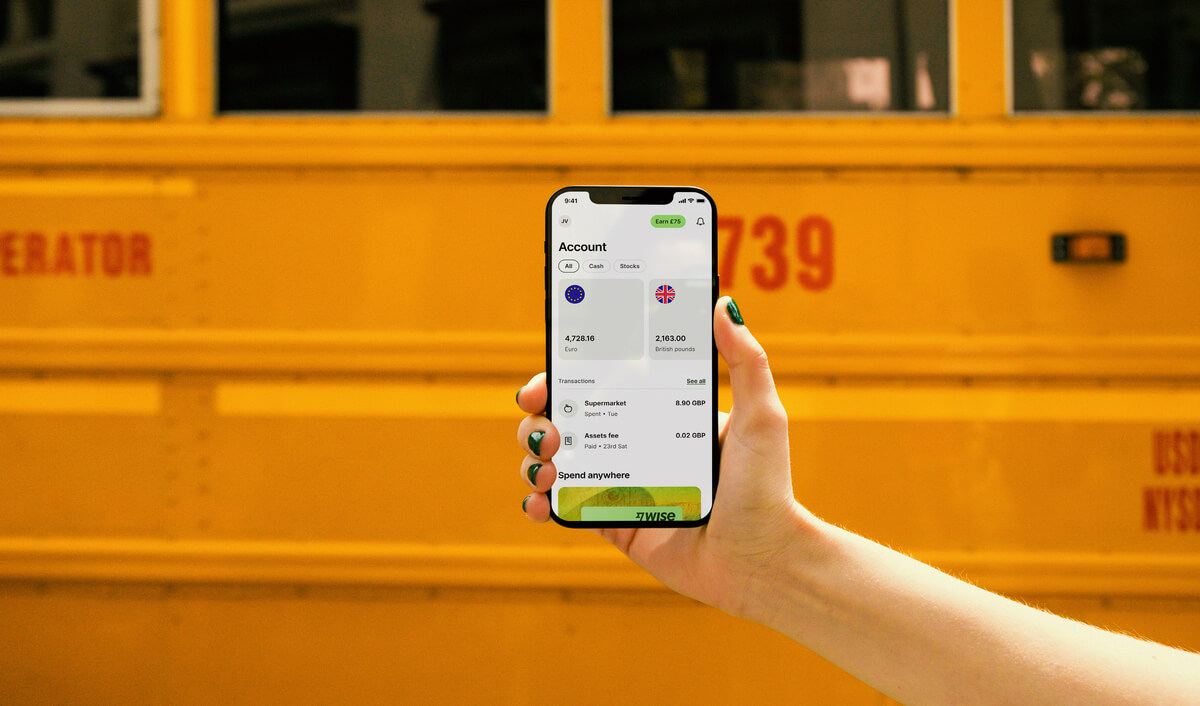
The Wise card lets you spend in 40+ currencies at the mid-market rate including CNY, JPY, GBP, and SGD so you know you'll be getting a great deal in over 150+ countries. Simply create a free Wise account, order a card and top-up MYR to get started.
Virtual cards are free and can be added to your Google or Apple Pay wallet, while a physical Wise card can be ordered for a low fee of 13.7 MYR. Having a physical Wise card allows you to make chip and pin payments, as well as two free ATM withdrawals to the value of 1,000 MYR each month, before low fees start.
While abroad, you can choose to spend with directly in MYR and let auto-conversion do the trick, or convert to your desired currency with your Wise account. Either way, you’ll get the exchange rate you see on Google, with low, transparent fees from 0.77%.

Sources:
1. Maybank Cardless Withdrawal
2. Maybank 2024 annual report
3. Maybank credit card charges
4. Maybank ATM debit card withdrawal fees
5. Wise Malaysia
*Please see terms of use and product availability for your region or visit Wise fees and pricing for the most up to date pricing and fee information.
This publication is provided for general information purposes and does not constitute legal, tax or other professional advice from Wise Payments Limited or its subsidiaries and its affiliates, and it is not intended as a substitute for obtaining advice from a financial advisor or any other professional.
We make no representations, warranties or guarantees, whether expressed or implied, that the content in the publication is accurate, complete or up to date.

Here’s your 2026 guide to BSN IBG transfers. Learn about processing times, fees, and step-by-step instructions to ensure your money arrives safely.

Need to check your RHB GIRO transfer time? Learn about daily cut-offs, batch processing schedules, and how to ensure your money arrives on the same day.

Comparing IBG vs DuitNow in Malaysia? Learn about transfer speeds, daily limits, and fees to choose the right method for your next payment.

Need to send money from Maybank to RHB? Follow our 2026 guide for GIRO transfers, including tips, processing times, and faster alternatives.

Need to make a GIRO transfer with Maybank? Check the latest IBG transfer schedule, daily limits, and step-by-step instructions for Maybank2u and ATMs.

Can you open a BSN account online in 2026? Learn about minimum deposits, age requirements, and how to complete your application at a BSN branch.











