
Kernel Wealth Review: How Does It Work and Is it Good for Kiwis?
Our Kernel Wealth review breaks down the platform's features, fees, and how it works. Learn how to invest with Kernel Wealth and decide if it's right for you.




Pricing claim based on comparative data for select airports and passes. Live pricing is subject to exchange rate fluctuations.
📱Find out how to get lounge access
Wise has become increasingly popular among Kiwis for international money transfers and multi-currency management. This guide will walk you through how to use Wise in New Zealand, from setting up your account to making the most of its features.
Wise is a financial technology company that offers international money transfers, multi-currency accounts, and debit cards. It's known for providing mid-market exchange rates and transparent, low fees, making it an attractive option for New Zealanders dealing with foreign currencies.
| 📃 In this article, we'll cover: |
|---|
You can send a Wise international transfer to bank accounts in any of 140+ supported countries. When you set up a Wise payment online or in the Wise app you’ll be able to either specify the amount you want to send - or the amount you need the recipient to get in their local currency. This can be handy when you have to send a specific amount to pay a bill for example.
Most of all, Wise stands out on price. Wise money transfers use the mid-market exchange rate, with no markup or hidden fees. You’ll just pay a low, variable charge based on where you’re sending money to and how you prefer to pay, which is clearly detailed for transparency. There are no intermediary fees to pay
Here’s a quick overview of how to send money with Wise:
You’ll see a full summary of the costs involved in making your transfer, plus the estimated delivery time, before you confirm your payment. You can even compare the costs of your specific transfer with Wise against some other popular providers, on the Wise website.
If you don’t have the bank details for the person you’re sending money to, Wise can still help. Simply enter the recipient’s email address and Wise will do the rest. If the person you’re sending to is already on Wise, the system will retrieve their account information to process the payment. And if not, Wise will generate an email to the recipient asking for the details required to get the money to them safely.
The amount you pay for your Wise transfer can vary based on 3 things:
Wise always uses the mid-market exchange rate - the one you’ll usually see on Google - with all other costs split out and clearly shown. The cost of your Wise transfer can include a percentage fee based on the currency, from 0.25%, and a fixed fee which varies according to the way you want to pay. Use the pricing calculator below to model your example transfer:
Please see Terms of Use for your region or visit Wise Fees & Pricing: Only Pay for What You Use for the most up-to-date pricing and fee information.
Wise transfer limits vary based on the currency you’re sending. Check the limits for specific currencies from our help centre.
Guide to NZD transfers on Wise 👉
You can register for a Wise account to manage your money across currencies, with just your laptop or smart device. Here are some of the key features you get with the Wise account:
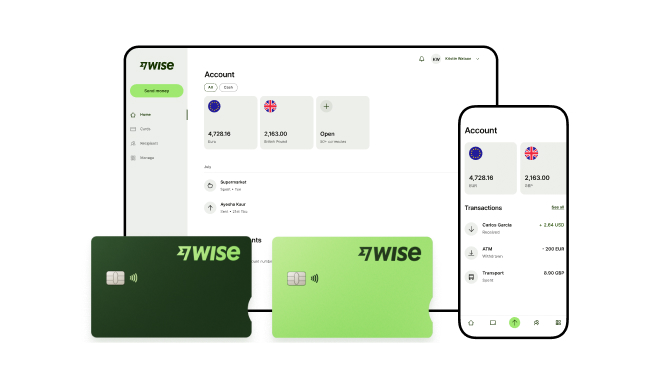
Personal customers in New Zealand can open a Wise account for free, and get a Wise card for a low fee of 14 NZD. Once your Wise account is up and running you can add a currency for NZD and 8+ other currencies, with account details you can use to get paid by local transfer from abroad.
Please see Terms of Use for your region or visit Wise Fees & Pricing for the most up-to-date pricing and fee information.
One of the key features of having a Wise account is the ability to hold 40+ currencies in your account. This makes it convenient if you are looking to travel or create international transfers to your recipients. You can convert money between any of these currencies in your account, with the mid-market exchange rate.
To add money to your account, just click on Open in your Wise app or the website and choose which currency you’d like to hold money in.
Here are the basic steps if you want to add NZD to your Wise account:
If you need to receive money to your Wise account you can do so with your local account details for up to 8+ currencies.
The first time you add a currency, you may need to take a couple of extra steps, including uploading some verification documents and adding a small amount of money to activate your account. Any money you add to your account can then be used to fund a payment, or spent with your Wise card.
Once you have a Wise account you can also pay a 14 NZD one-time fee to get a linked Wise debit card.
Your Wise card works with your Wise account, with no fee to spend any currency you hold in your account, and low conversion costs from 0.25% when you don’t have the currency you need. that can be far cheaper than the foreign transaction fee commonly applied by many other providers, especially when you consider that the currency exchange on Wise is always at the mid-market rate.
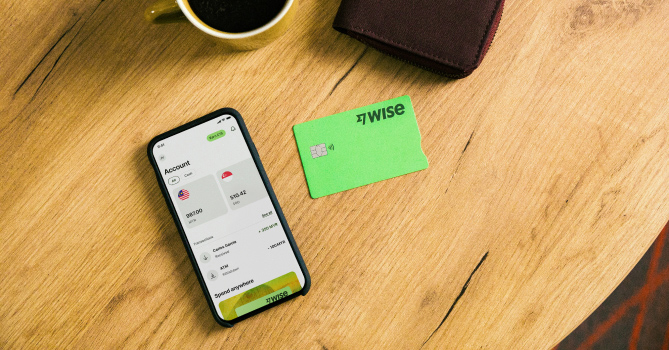
Wise cards can be used for spending in 150+ countries, you’ll be able to make 2 withdrawals up to the equivalent of 350 NZD a month fee free when you travel, with low fees after that.
Check out our review of Wise card benefits in NZ 👉
Manage your Wise card in the Wise app, with options to freeze and unfreeze your card for security, and get a virtual card. Plus instant transaction notifications and updates.
That can make the Wise card a perfect partner when you’re away from home - safer than carrying cash, and cheaper than relying on your bank for currency conversion and card payments.
You can easily order your Wise card in the Wise app:
Your card will be delivered in the post in 7-10 days. You can optionally get express delivery in 1-2 days for an additional fee.
Once you have your physical Wise card you’ll need to activate it by making a chip and PIN payment - you’re then free to use it as a contactless card for convenience.
If you’re a freelancer working with clients overseas, an entrepreneur with international customers, or a business owner paying suppliers, staff or contractors in a foreign currency, you could benefit from Wise Business.
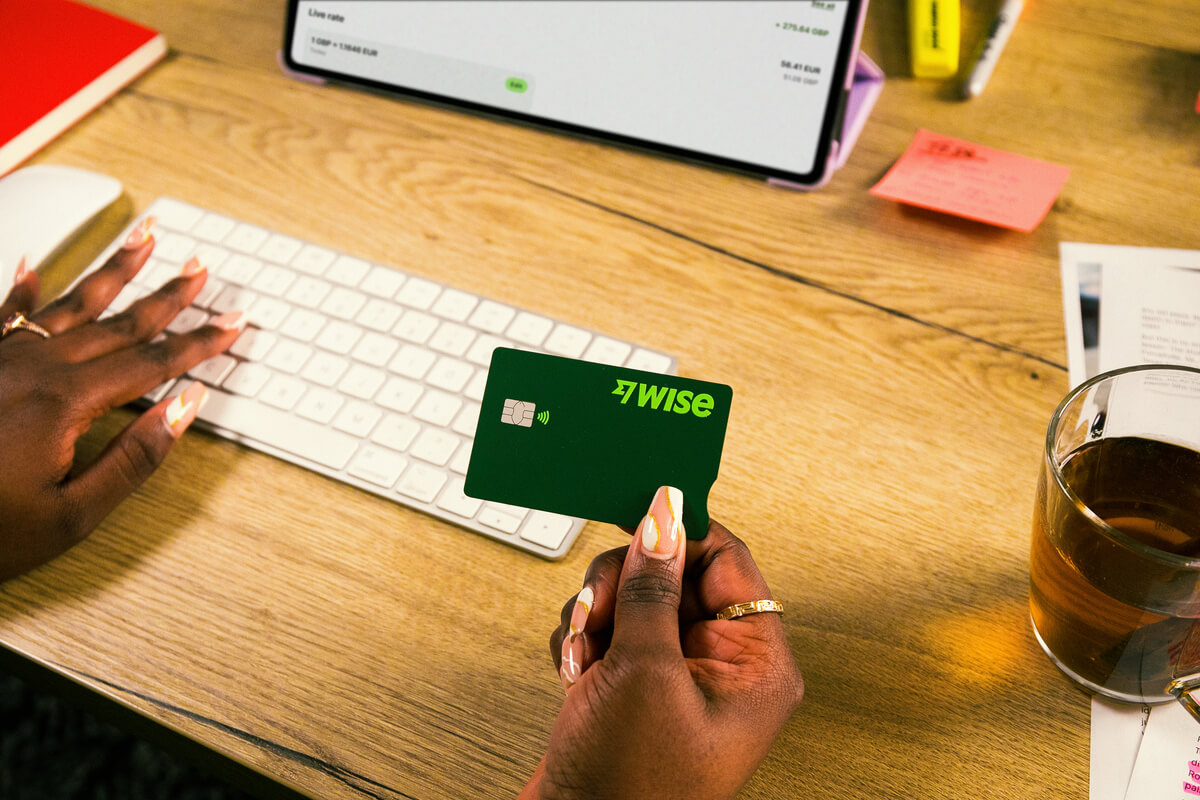
Open a Wise Business account online and get account details in 8+ currencies with a one-time fee of NZD 40 to get all the available features for business customers. You get all the perks that a personal customer does - including holding and exchanging 40+ currencies with the mid-market rate, and transparent fees - plus some extra business friendly bonuses to help you save even more time and money.
Wise Business has extra benefits which can support business owners - and cut costs at the same time.
You’ll be able to make batch payments to up to 1,000 people at once - perfect for running international payroll for example. With a Wise debit and expense cards for you and your team, you can reconcile your Wise account with cloud based accounting software. Plus, you can always add your admin staff or accountants to Wise with Wise Business’ multi-user access features, to give your team the tools they need to do their jobs efficiently.
Opening a Wise Business account can be done online or in the Wise app, with no need to stand in line at a bank branch to get started. The exact process you follow may vary slightly depending on the type of business you own, but you’ll be guided through the steps in the Wise app - and you can always save and return to your application later if you need to.
In general all you’ll need to do is enter some information about yourself and your business, and complete a verification step - needed to keep your account safe. In most cases that’ll mean providing the following:
Learn more about how to open a Wise Business account here.
Wise is a safe and trusted provider offering currency account services, international payments and currency conversion with the mid-market rate in New Zealand. You can use Wise for yourself or your business, to send payments, spend with a linked Wise card, receive money like a local in 8+ currencies, and exchange currencies in just a few taps.
Use this full Wise NZ guide to get you started, and see if Wise can help you save time and money the next time you travel or transact internationally.
Wise offers New Zealanders a powerful set of tools for managing money internationally. Whether you're a frequent traveler, an online shopper, a freelancer working with overseas clients, or a business dealing in multiple currencies, Wise can potentially help you save foreign exchange and international transactions.
*Please see terms of use and product availability for your region or visit Wise fees and pricing for the most up to date pricing and fee information.
This publication is provided for general information purposes and does not constitute legal, tax or other professional advice from Wise Payments Limited or its subsidiaries and its affiliates, and it is not intended as a substitute for obtaining advice from a financial advisor or any other professional.
We make no representations, warranties or guarantees, whether expressed or implied, that the content in the publication is accurate, complete or up to date.

Our Kernel Wealth review breaks down the platform's features, fees, and how it works. Learn how to invest with Kernel Wealth and decide if it's right for you.

Looking for the best investment platform in NZ? Compare fees, features, and more for Sharesies, Tiger Brokers, and more to find your ideal investment platform.

Our Sharesies review breaks down the platform's features and fees. Learn how to buy and sell shares efficiently and find out if Sharesies is the right for you.

Our Tiger Brokers review breaks down the platform's features, fees, and how it works. Determine if Tiger Brokers is right for you.

Moving abroad from New Zealand? Find out if you can keep your bank account open and how to manage your money away from home.

Discover the best credit cards for airport lounge access in New Zealand and compare their latest features and fees.











