


Guide on the best accounting software for small Kiwi businesses [2025]

Whether you run a hole-in-the-wall restaurant or a small online store, accounting softwares can be quite handy as they can reconcile transactions, simplify taxes, and manage cash flow. Automating these number-crunching chores frees up time to focus on growing your business.
But not all apps are created equal. In this post, we’re covering some of the best accounting software for small businesses.
| Table of contents |
|---|
Considerations when choosing a small business accounting software
Every business is different. Software that suits a busy Auckland discount store might not be ideal for a South Island carpenter. It's wise to think about how the following factors apply to your business.
Pricing
Like most modern apps, accounting software generally entails a monthly subscription fee. Users with basic requirements may get away with a low-cost plan, but complex operations require higher tiers. Compare prices to features and shop around.
It’s hard to say whether software will suit your needs until you’ve given it a go. Look for an accounting program with a free trial or a monthly plan you can cancel at any time. That lets you jump ship without too much hassle if required.
Features
Need to send invoices, reconcile payments, or manage payroll? Ensure your accounting software can handle all your day-to-day financial needs. Most programs limit features by tiers. For example, you might only be able to send 5 invoices per month on the basic plan. While some other solution might not be as flexible when it comes to integration with third-party solutions.
Access management
Higher-tier plans usually support more users, which is excellent for companies planning to scale. Check your chosen tool and browse through different plans to ensure you have an appropriate access management policy, remembering that you can upgrade later if required.
Compatibility
Run your business on the go from your mobile phone? Or do you have a receptionist handling the admin on a desktop PC? Either way, ensure your accounting program is compatible with the relevant operating systems: Windows, macOS, Android, and iOS. But also compatibility with your operational tech stack and internal platform used for crucial business financials.
User interface
As a growing Kiwi company, you probably don’t have a pro bookkeeper on your payroll. The best accounting programs for small businesses offer intuitive, user-friendly interfaces that only require basic computer skills. An easy UI reduces training time and enhances efficiency, allowing staff to prioritize time and effort on other business critical tasks.
Software and bank integrations
From payment processors to CRM systems and e-commerce platforms, small businesses use a myriad of apps to simplify day-to-day operations. Check that your accounting software is compatible.
Good accounting software often come with the capability to integrates with the business accounts in New Zealand to automate tedious tasks, such as reconciliation, expense tracking and invoicing. In addition to enhancing efficiency, automation also reduces human error.
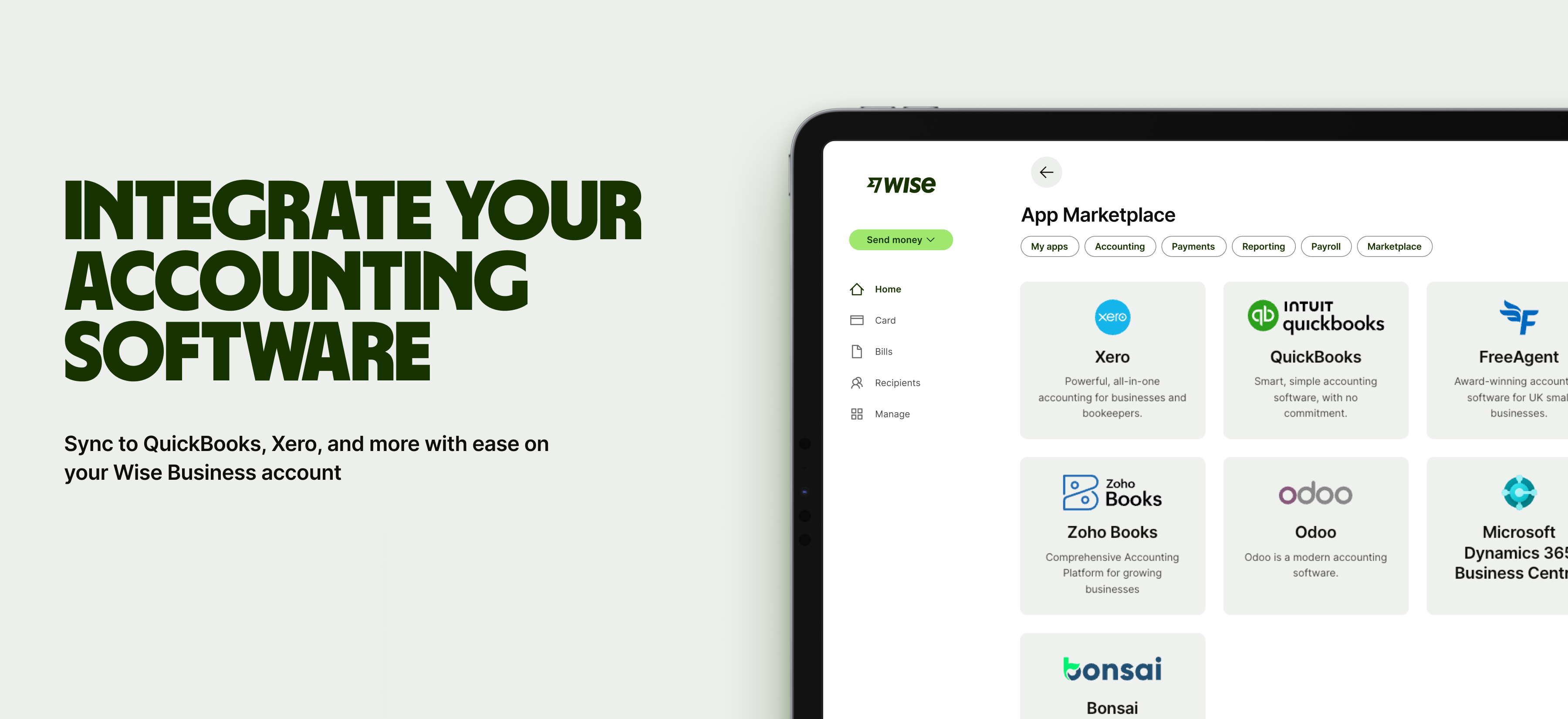
Wise Business, for example, integrates with leading accounting programs, saving companies time by reducing data entry and cross-checks. A step-by-step guide shows you how to link Wise Business with your accounting software.
Sign up for the Wise Business account! 🚀
Best accounting software for small Kiwi businesses
To help you weigh up the options, we’ve compared some of the best bookkeeping software for small businesses in New Zealand.
Xero
As one of the world’s leading accounting apps, Xero1 is a major player for its accessible cloud-based model and intuitive user interface. The software integrates with most CRMs, inventory management tools, and business accounts, including Wise Business. Unlike most competitors, you can have as many users as you like across all pricing tiers.
| Plan | Price /mo | Inclusions |
|---|---|---|
| Ignite | NZ$35 |
|
| Grow | NZ$75 | Everything in Ignite, plus:
|
| Comprehensive | NZ$99 | Everything in Grow, plus:
|
| Ultimate | NZ$113 | Everything in Comprehensive, plus
|
Intuit QuickBooks
Another major player is Intuit QuickBooks2, which is popular among small businesses for its affordable, feature-rich plans. The cloud-based service runs seamlessly on any device, is simple to learn, and integrates with a multitude of third-party accounts and apps.
All QuickBooks plans come with unlimited invoices, accountant access, free support, reports, and secure cloud storage. Like Xero, offline use isn’t possible as it’s a cloud-based service.
QuickBooks offers a one-month free trial and regularly runs promotions for the first 3 to 6 months.
| Plan | Price/mo | Inclusions |
|---|---|---|
| Simple Start | US$19 |
|
| Essentials | US$28 | Everything in Simple Start, plus:
|
| Plus | US$40 | Everything in Essentials, plus:
|
| Advanced | US$76 | Everything in Plus, plus:
|
Zoho Books
Zoho Books3 is one of the only big accounting apps to offer a free tier. Specially designed for sole traders, this plan covers the basics without an ongoing subscription fee.
Businesses requiring advanced features, such as reports, multi-currency transactions, and cash flow forecasting, should grab one of the premium plans. However, the prices are competitive, making Zoho an enticing choice for cost-conscious Kiwis.
| Plan | Price/mo | Inclusions |
|---|---|---|
| Free | USD$0 |
|
| Standard | US$12 | Everything in Free, plus:
|
| Professional | US$24 | Everything in Standard, plus:
|
| Premium | US$36 | Everything in Professional, plus:
|
MYOB
Developed in Australia, MYOB4 is a popular accounting program targeting small-to-medium-sized businesses in our region. The brand offers four distinct pricing tiers, catering to everyone from sole traders to complex companies with multiple accounts, currencies, and employees.
All MYOB plans come with a 14-day free trial5. There’s also a NZD$22 per month Payroll Only4 option for Inland Revenue (IR) reporting, tax compliance automation, timesheet management, annual leave, and KiwiSaver calculations.
| Plan | Price/mo | Inclusions |
|---|---|---|
| Lite | NZ$35 + GST |
|
| Pro | NZ$56 + GST | Everything in Lite, plus:
|
| AccountRight Plus | NZ$94 +GST | Everything in Pro, plus:
|
| AccountRight Premier | NZ$110 + GST | Everything in AccountRight Plus, plus:
|
Reconcile global business finances with your accounting software
Kiwi companies trading across borders may find accounting software integration especially useful. The best programs offer multi-currency support to streamline foreign exchange transactions and create accurate financial reports. These reports combine both local and international transactions, helping maintain compliance and reducing headaches come tax time–your accountant will thank you.
Wise Business is a solution that offers multi-currency accounts which can also be integrated seamlessly with many leading accounting programs, including Xero, QuickBooks, Zoho Books, FreeAgent, Odoo, Microsoft Dynamics 3, and Bonsai. This allows gives the flexibility to reconcile global business transactions without worrying about fluctuating currency rates and asynchronous data.
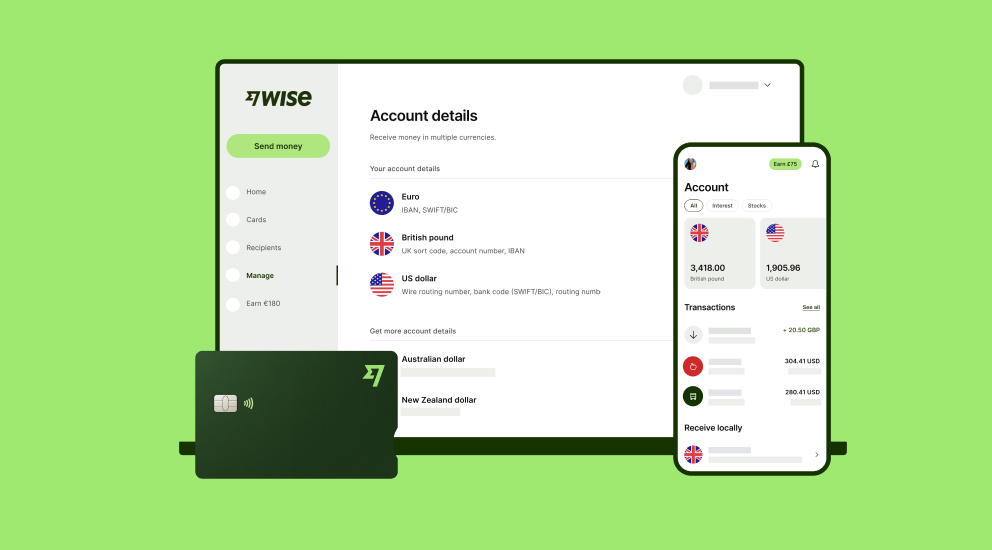
A Wise Business account allows users to can send, receive, and hold in multiple currencies. Experience hassle-free global transactions by transacting like a local business. Here's what you get with a Wise Business account:
- Free to register — Hold and convert between 40+ currencies. Send to 140+ countries
- Debit cards for you and your team, which you can use in 150+ countries
- Multi-user access for team members, with ways to control and manage permissions
- Pay up to 1,000 recipients at once with the Wise batch payments feature
- Integrate with your favourite cloud accounting solutions like Xero, QuickBooks, and more
- Get account details to receive in 8+ currencies for a one-time fee of 40 NZD
Sign up for the Wise Business account! 🚀
This general advice does not take into account your objectives, financial circumstances or needs and you should consider if it is appropriate for you.
FAQ
Is free accounting software worthwhile?
Free accounting software may be worthwhile for sole traders with modest requirements. Companies paying staff may find value in a premium subscription.
What are the benefits of using accounting software?
Accounting software benefits include better financial reporting, management, and accuracy. It helps businesses operate more efficiently and make better decisions by providing a real-time, up-to-date view of their financial health. The software automates key tasks like invoicing, expense tracking, and bank reconciliation, which saves a significant amount of time and improves cash flow. By minimizing human error through automation and built-in features, it ensures greater accuracy in financial records. Additionally, it streamlines tax preparation and ensures compliance, reducing the risk of penalties and making audits far more efficient. In essence, it centralizes financial data, giving businesses the tools they need to make informed decisions and maintain financial stability.
Sources:
- Xero: Pricing Plans NZ
- Intuit QuickBooks: Global Pricing
- Zoho Books: Pricing
- MYOB: Pricing Payroll Only
- MYOB: Pricing Accounting
*Please see terms of use and product availability for your region or visit Wise fees and pricing for the most up to date pricing and fee information.
This publication is provided for general information purposes and does not constitute legal, tax or other professional advice from Wise Payments Limited or its subsidiaries and its affiliates, and it is not intended as a substitute for obtaining advice from a financial advisor or any other professional.
We make no representations, warranties or guarantees, whether expressed or implied, that the content in the publication is accurate, complete or up to date.











