
7 Best UOB Credit Cards for Rewards & Travel in Malaysia (2026)
Looking to maximise your rewards? Explore the best UOB credit cards in Malaysia for travel, dining, cashback, and everyday spending.



DuitNow is everywhere in Malaysia. From hawker stalls to splitting dinner bills, QR payments have become a way of life, letting you pay directly into a bank account simply by scanning a QR code – no account numbers, no bank details needed. If you're new to Malaysia, getting set up on DuitNow is one of the first things worth doing.
This guide covers everything: what DuitNow is, how to register as a foreigner, how tourists can use it without a local account, and how cross-border payments work. We'll also introduce the Wise account, a handy companion to make your money go further with low, transparent fees.
| Table of Contents |
|---|
Yes, foreigners can use DuitNow in Malaysia¹. You can start making payments with participating mobile apps the moment you arrive – no local bank account required (although here's a guide if you're a foreigner looking to open one in Malaysia).
To receive money via DuitNow, you'll need an identifier – an ID that links your DuitNow account to your bank account. As a foreigner, you can use one of the following²:
- Passport
- Mobile number
- Business registration number (in certain cases)
Each identifier is unique and can only be linked to one account, so the number of bank accounts you can connect is limited to the number of IDs you have.
Beyond your bank's mobile app, you can also use compatible e-wallets like GrabPay³ and Touch 'n' Go⁴ to make DuitNow payments.
| Not sure which e-wallet to use? Here’s how Malaysia’s top e-wallets compare |
|---|
The exact steps vary by bank, but the process is generally straightforward⁵:
- Open your banking app or website.
- Navigate to DuitNow.
- Select Register (or similar).
- Follow the on-screen instructions to link your ID and preferred bank account.
You can also send money to a DuitNow ID through your Wise account⁶. As an expat, you're likely sending and receiving money internationally on a regular basis, and Wise can help reduce foreign exchange fees compared to a standard bank. You can set up a Wise account instantly and use it right away to send, receive, and manage money both internationally and within Malaysia.
Want to compare the numbers for yourself? Take a look at this example of sending MYR to USD:
No local bank account? No problem.
You can still scan DuitNow QR codes using a partner e-wallet. Depending on where you're from, your home country's e-wallet may also work⁷:
- Singapore: DBS PayLah, UOB TMRW App
- Indonesia: DANA, GoPay, ShopeePay Indonesia
- Thailand: TrueMoney Wallet
- China: AliPay+, WeChat Pay, UnionPay
- South Korea: Naver Pay, Kakao Pay, Toss Pay
- Cambodia: Bakong App
If you're spending in MYR but holding money in your home currency, a currency specialist can help bring down exchange costs.
Wise is one such option, integrating AliPay+ for customers in Europe, Malaysia, Singapore, Thailand, and the UK⁸. So wherever you see the AliPay+ symbol (usually displayed alongside the DuitNow logo), you can pay simply and cost-effectively.
Here's all you need to do to scan and pay with Wise:
- Head to your Card tab and swipe left on your card image – you'll see the option to Pay with QR code or Pay like a local.
- Tap Scan QR code to use your camera, or Import QR code if you've got one saved in your photo gallery.
- Scan a supported QR code, or select an image containing one.
- Follow the steps to confirm your payment.
Done. You can check back on the transaction anytime in your transaction list in the Wise app.
That way, you can truly scan and pay like a local in Malaysia, whether you’re having roti canai at the nearest mamak or buying durian from a fruit stall.
No more fumbling with cash in an unfamiliar country. No more hidden markups on everyday transactions.
If you’re a Wise user in Malaysia, Alipay+ QR payments are only available in supported countries abroad.
You generally can't send money directly to another person's bank account in another country, as the recipient needs to be registered with DuitNow, which requires a local bank account. The exception is Singapore⁹ – you can transfer funds to any PayNow number, up to 3,000 MYR per day.
A note on exchange rates: when you pay in a foreign currency, banks typically make money converting your funds, either through upfront fees, or a hidden markup on the exchange rate (buying foreign currency for less than they sell it, and keeping the difference). These costs can quietly add up, especially if you're sending money abroad regularly or in large amounts.
Wise charges the mid-market rate – the same rate you'd see on Google – plus a transparent upfront fee. So you always know exactly what you're paying.
Want to see where the mid-market rate stands today? Take a look below:
Sending money to a DuitNow ID through Wise is simple:
- Open your Wise account, select Payments, then Send Money.
- Enter the amount to send, with MYR as the recipient currency.
- Select DuitNow ID as your recipient method.
- Fill in the recipient's details.
- Confirm and send.
You can send directly from any currency balance in your Wise account, with mid-market rates and upfront fees so there are no surprises. The money goes straight to whichever bank account is linked to the recipient's DuitNow ID – no need to know their account number.
For example, if their ID is linked to a Maybank account, that's exactly where it lands.
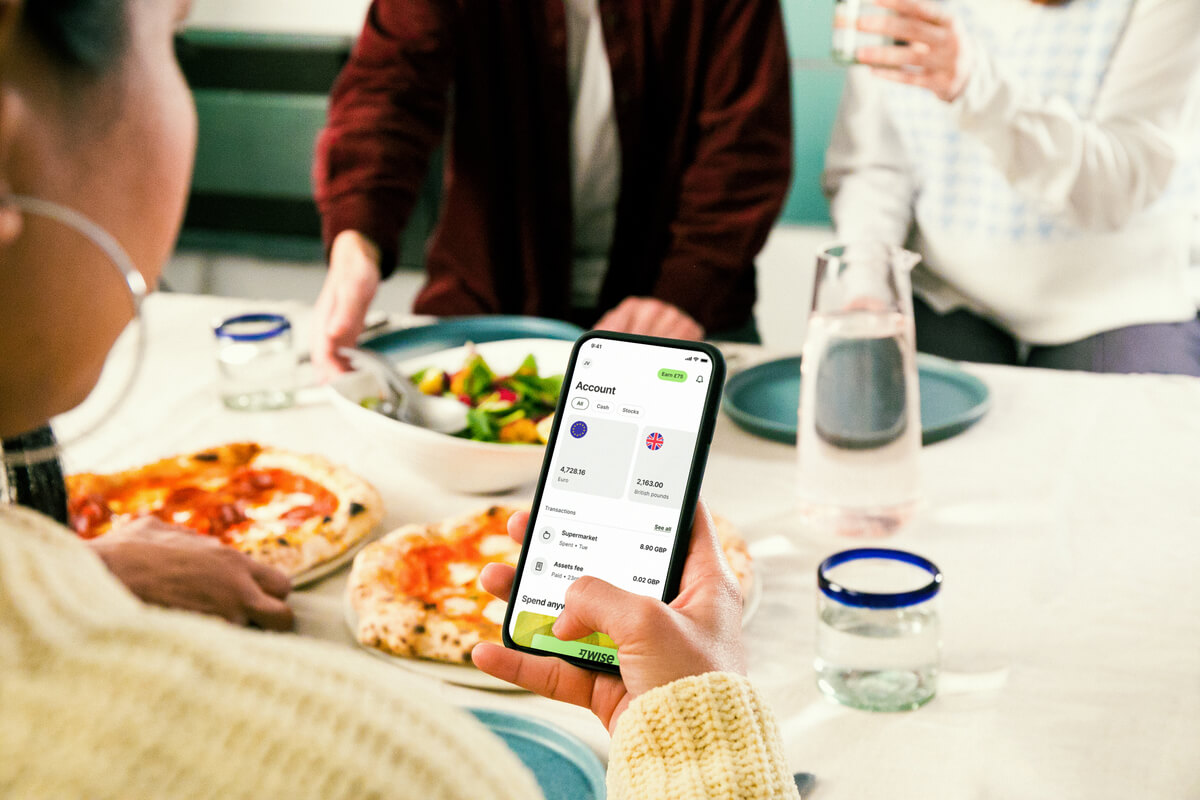
The Wise account is an easy way to hold and exchange 40+ currencies, including MYR, USD, GBP, and more. All you need to do is create a free account to get started.
With Wise, you can exchange currencies at the mid-market rate each time, with low, transparent conversion fees from 0.77% and absolutely no markups. Plus, you can order a linked Wise card for convenient spending without any foreign transaction fees, and up to 2 free ATM withdrawals to the value of 1,000 MYR when you're overseas. You'll even get 8+ local account details to get paid conveniently to your Wise account in MYR and a selection of other major global currencies.
Sending money or making payments abroad? Wise also offers fast, low cost transfers to 140+ countries - you can track your transfer in your account and your recipient will also be notified when a transfer reaches them.
✍️ Sign up for a free account now
Yes. DuitNow is safe, as it is regulated by Bank Negara Malaysia (BNM) and integrated into e-wallet and banking apps that follow strict security standards.
Yes. You can use the PayNow system to send money directly to Malaysian bank accounts (peer-to-peer payments).
Sources:
*Please see terms of use and product availability for your region or visit Wise fees and pricing for the most up to date pricing and fee information.
This publication is provided for general information purposes and does not constitute legal, tax or other professional advice from Wise Payments Limited or its subsidiaries and its affiliates, and it is not intended as a substitute for obtaining advice from a financial advisor or any other professional.
We make no representations, warranties or guarantees, whether expressed or implied, that the content in the publication is accurate, complete or up to date.

Looking to maximise your rewards? Explore the best UOB credit cards in Malaysia for travel, dining, cashback, and everyday spending.

Sending money via Bank Islam IBG? This guide has the full timetable, transaction limits, and everything else you need before you hit send.

Looking for the best way to invest in gold in Malaysia? Read our 2026 guide to digital bank accounts, ETFs, physical bars, and hidden trading fees.

Not sure when your IBG transfer will arrive? This guide covers Bank Rakyat's full schedule, cut-off times, fees, and how to send – all in one place.
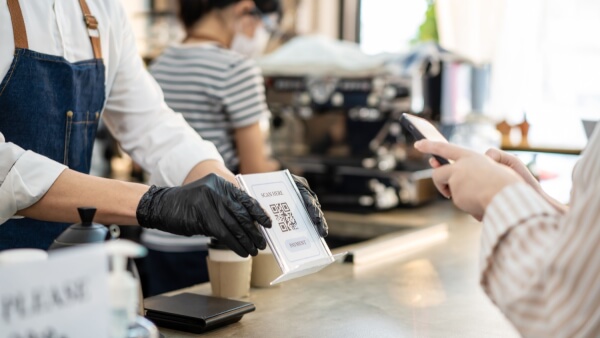
Visiting Malaysia? Find out how tourists can scan DuitNow QR codes with the Alipay app to pay local merchants instantly with low fees.

Remitly or Wise: which is better? Compare fees, transfer speeds, and pros and cons to find the cheapest way to manage your money in Malaysia.











