
7 Best UOB Credit Cards for Rewards & Travel in Malaysia (2026)
Looking to maximise your rewards? Explore the best UOB credit cards in Malaysia for travel, dining, cashback, and everyday spending.


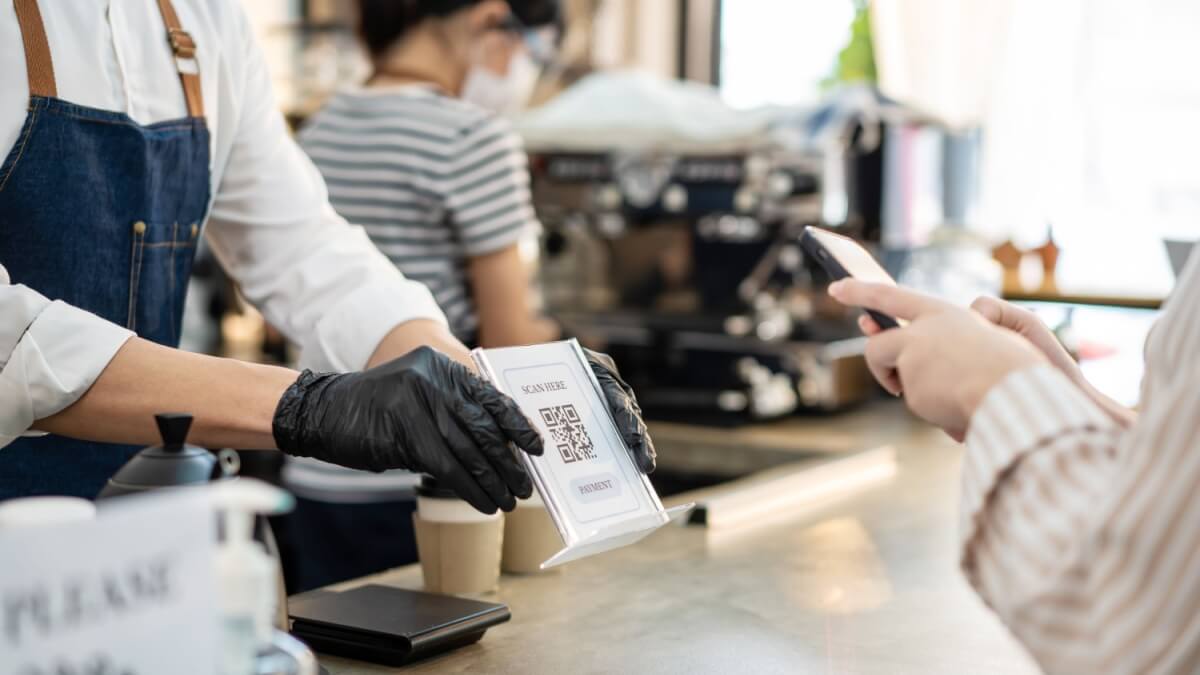
DuitNow is Malaysia's primary cashless payment network, the standard for instant bank transfers and QR code payments across the country. It has become the go-to for locals to pay merchants, from restaurants and retail stores to street vendors.
International visitors can leave the cash behind and tap into the Alipay DuitNow system too, even without a Malaysian bank account. All you need is the Alipay app – or a supported partner wallet like Wise – to scan DuitNow QR codes that display the Alipay+ logo. Payments go through in MYR instantly, with currency conversion handled automatically in-app.
We'll also introduce the Wise account, a handy companion to make your money go further with low, transparent fees.
| Table of Contents |
|---|
The Alipay+ network connects international digital wallets with local payment systems like Malaysia's DuitNow.¹ This means travellers can use apps like Alipay or Wise to pay merchants in MYR without needing a local bank account.
Here's how paying with Alipay DuitNow works, including fees² and processing time³:
| Feature | Paying with Alipay |
|---|---|
| Primary Use | Paying merchants in Malaysia via Alipay DuitNow QR codes |
| What to Look For | DuitNow QR codes displaying the Alipay+ logo |
| How it Works | Scan a DuitNow QR code with the Alipay+ logo, confirm the amount in the app, and submit your payment |
| Fees & Conversion | No upfront fees, but your funds will be converted automatically using Alipay's exchange rate |
| Payment Speed | Instant |
You don't need a Malaysian bank account to scan DuitNow QR codes and pay merchants. Instead, you can use the Alipay app or the Wise app (via the Alipay+ network), provided the merchant supports cross-border QR acceptance.
Just look for the Alipay+ logo displayed alongside the pink DuitNow QR code before you pay.
Learn more about DuitNow and how it works in our guide to what DuitNow is, including details on DuitNow cross-border functionality.
Using the Alipay app is straightforward. Just follow these steps:
- Download the Alipay app and register using your mobile number.
- Select your country or region.
- Select Add Now to add your credit or debit card details.
- Return to the home page and select Scan.
- Point your camera at the merchant's pink DuitNow QR code, making sure it displays the Alipay+ logo alongside or below it.
- Enter the payment amount in MYR.
- Select Confirm payment and complete any required verification, such as a password, fingerprint, or face ID.
Alipay offers several practical advantages for travellers paying local merchants:
- No Malaysian bank account required
- Easy QR payments at participating merchants
- Transparent in-app conversion shown before you confirm payment
- Wide acceptance through the Alipay+ and DuitNow network
- No need to carry cash while you travel
Wise also enables DuitNow Alipay cross-border QR payments through the Alipay+ network. So, even if you don't use the Alipay app, you can still pay merchants in Malaysia. Scan any DuitNow QR code wherever the Alipay+ logo appears, and you're good to go.
Note that this feature is currently only available to Wise customers residing in Europe, Malaysia, Singapore, Thailand, and the United Kingdom.
Here's how to make a payment using Wise:
- In your Card tab, swipe left on your card image to bring up Pay with QR code or Pay like a local.
- Tap Scan QR code to use your camera, or Import QR code to select one from your photo gallery.
- Scan a supported QR code, or select an image containing one.
- Follow the steps to confirm your payment.
That's it. You can review the transaction anytime under your transaction list in the Wise app.
While the Alipay app is convenient, Wise comes with a few extra advantages:
- Payments are converted using the mid-market exchange rate (the one you see on Google), with low, transparent fees
- You can hold and convert multiple currencies in the app
- No separate Alipay account needed
Want to check the mid-market rate yourself? Take a look below:
If you’re a Wise user in Malaysia, Alipay+ QR payments are only available in supported countries abroad.
| Curious how Wise works in Malaysia? Here’s a guide on what you need to know |
|---|
If you can't scan an Alipay DuitNow QR code, the most likely reason is that the merchant’s QR code isn’t enabled for cross-border payments. In Malaysia, only DuitNow QR codes displaying the Alipay+ logo support payments from Alipay or partner wallets like Wise. If the logo is missing, the QR code won't be recognised by international apps, even though it works perfectly for local Malaysian banking apps.
If that happens, don't worry. There are other ways to pay. Many merchants accept card payments, so you can tap your physical or virtual Wise card. For smaller vendors or cash-only hawker stalls, the simplest option is to withdraw MYR from a nearby ATM using your Wise card.
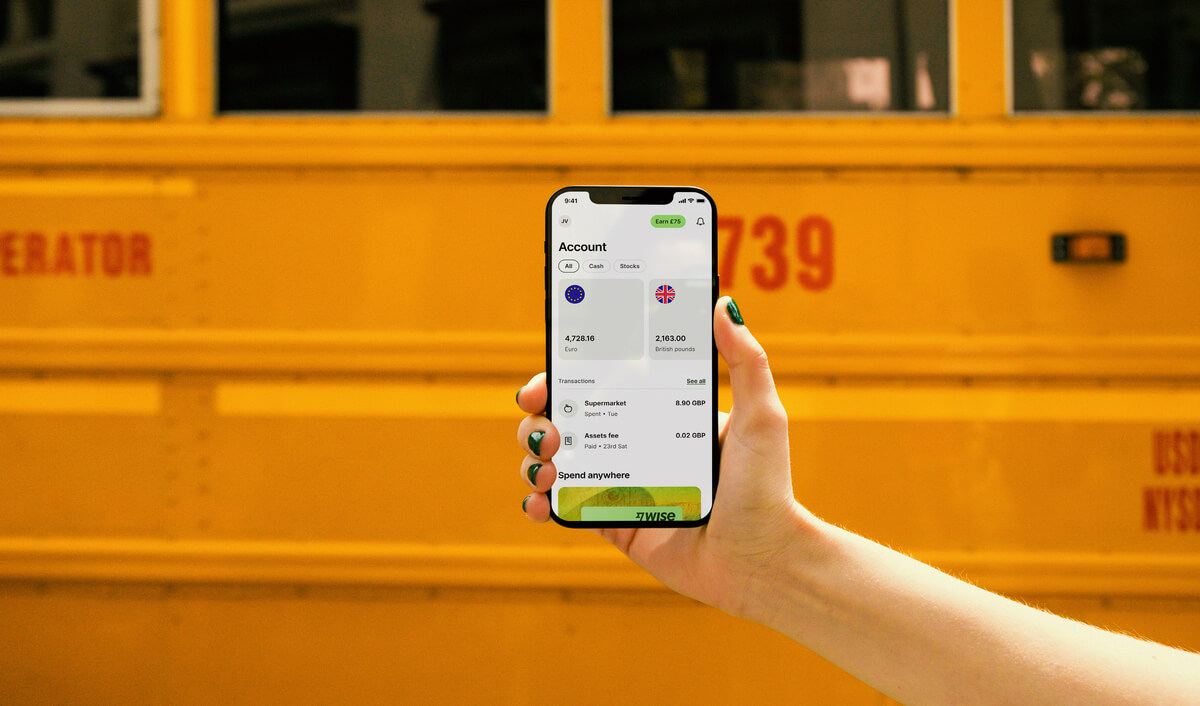
The Wise card lets you spend in 40+ currencies at the mid-market rate including CNY, JPY, GBP, and SGD so you know you'll be getting a great deal in over 150+ countries. Simply create a free Wise account, order a card and top-up MYR to get started.
Virtual cards are free and can be added to your Google or Apple Pay wallet, while a physical Wise card can be ordered for a low fee of 13.7 MYR. Having a physical Wise card allows you to make chip and pin payments, as well as two free ATM withdrawals to the value of 1,000 MYR each month, before low fees start.
While abroad, you can choose to spend with directly in MYR and let auto-conversion do the trick, or convert to your desired currency with your Wise account. Either way, you’ll get the exchange rate you see on Google, with low, transparent fees from 0.77%.
Yes. Malaysians can use Alipay to pay local merchants via DuitNow QR codes, as long as the merchant accepts Alipay+ payments. That said, most Malaysians don't need to – domestic e-wallets and local bank apps are already widely accepted across the DuitNow network and tend to be the more common choice.
Yes, but only if the QR code has been enabled for Alipay+ acceptance. Not all bank-issued DuitNow QR codes are cross-border compatible, so always look for the Alipay+ logo before you scan.
No, not directly. DuitNow is a domestic Malaysian transfer system, and it isn't connected to international wallets like Alipay for peer-to-peer transfers.
Here's the distinction: Alipay is a digital wallet used for payments within its own system, while Alipay+ is a cross-border payment network that links international wallets to local systems like DuitNow, but only for merchant QR payments.⁶
That means you can use Alipay to pay participating merchants in Malaysia, but not to send money to individual DuitNow IDs.
If you need to send money to Malaysia, Wise is a popular alternative that supports international transfers to a DuitNow ID using the mid-market exchange rate.
DuitNow isn't available in China as a local payment system. However, Malaysian users can still make QR payments in China through cross-border partnerships between Malaysian banks and Alipay – for example, via banking apps like Maybank MAE, which allow payments at Alipay merchants in China.⁵ You can also use Wise in China to spend RMB without a local bank account.
| Here’s a complete guide on how to use the Wise card in China |
|---|
*Please see terms of use and product availability for your region or visit Wise fees and pricing for the most up to date pricing and fee information.
This publication is provided for general information purposes and does not constitute legal, tax or other professional advice from Wise Payments Limited or its subsidiaries and its affiliates, and it is not intended as a substitute for obtaining advice from a financial advisor or any other professional.
We make no representations, warranties or guarantees, whether expressed or implied, that the content in the publication is accurate, complete or up to date.

Looking to maximise your rewards? Explore the best UOB credit cards in Malaysia for travel, dining, cashback, and everyday spending.

Sending money via Bank Islam IBG? This guide has the full timetable, transaction limits, and everything else you need before you hit send.

Looking for the best way to invest in gold in Malaysia? Read our 2026 guide to digital bank accounts, ETFs, physical bars, and hidden trading fees.

Not sure when your IBG transfer will arrive? This guide covers Bank Rakyat's full schedule, cut-off times, fees, and how to send – all in one place.

Find out how to use DuitNow as a foreigner in Malaysia. We cover everything from local bank setups for expats to easy QR scanning for tourists.

Remitly or Wise: which is better? Compare fees, transfer speeds, and pros and cons to find the cheapest way to manage your money in Malaysia.











