

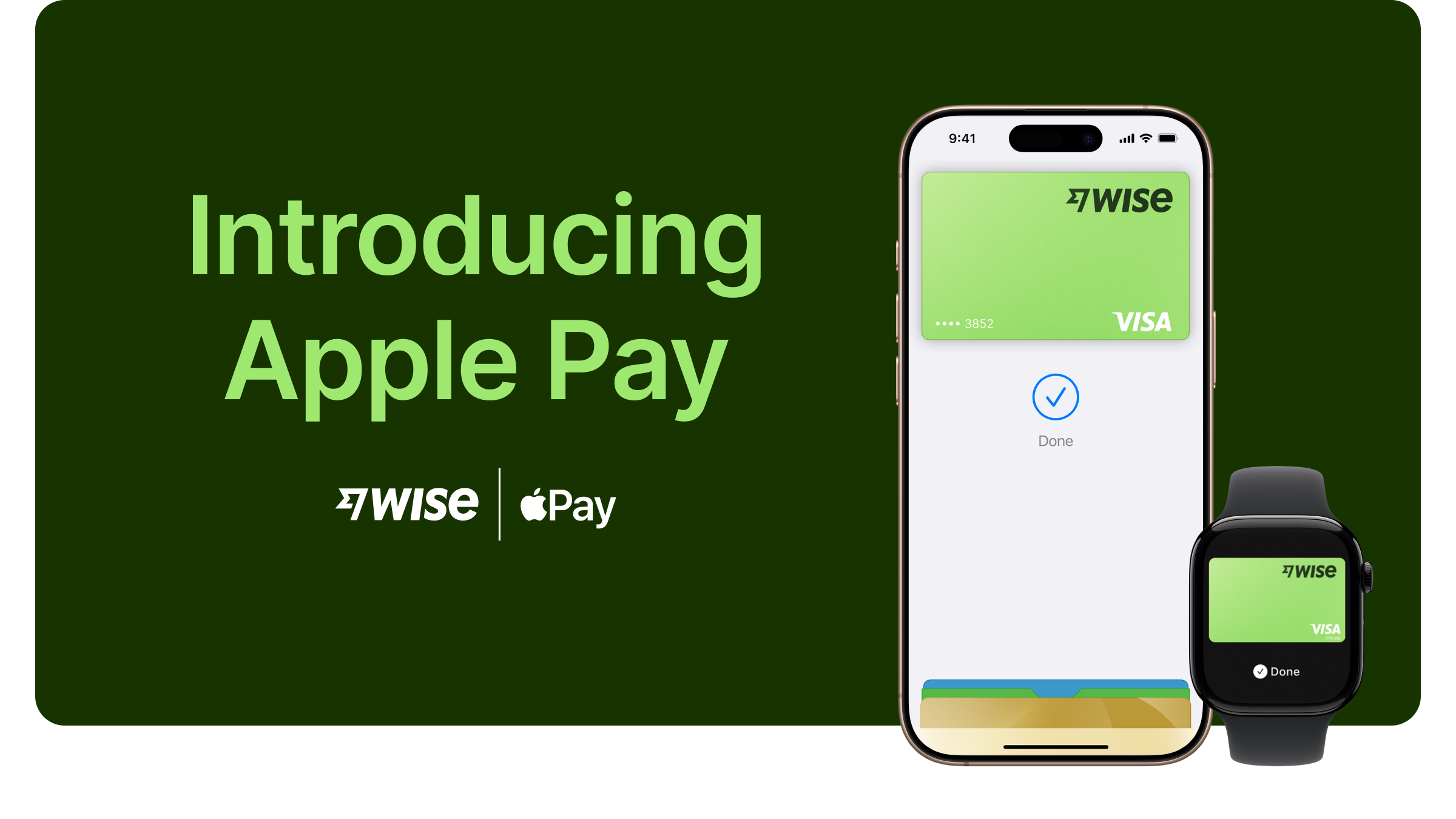
This article covers where you can use the Wise card with Apple Pay, how to set up and how to use it. For general information on Apple Pay, visit Apple Pay Support.
Can I add my Wise card to Apple Pay?
Yes, if your card was issued in Australia, Brazil, Canada, an EEA country where it’s supported, Japan, Malaysia, New Zealand, Singapore, the US or the UK, you can add your card to Apple Pay.
How to add your card to Apple Pay
You can do it on either the Wise app or from the Apple Wallet.
Wise app
Go to the Cards tab
Select the card you'd like to add
Select Add to Apple Wallet
Apple Wallet on iPhone
Open Apple Wallet on your iPhone.
Tap the Add Card button (plus sign) on the top right corner.
Tap Debit or Credit Card to add a new card. If you see the Wise App, you can choose to add your card from our App, or continue in Apple Wallet.
If further authentication is required, choose the method shown and complete the additional authentication.
For Apple Watch, open the Apple Watch app on your iPhone and select Wallet & Apple Pay, then tap Add Credit or Debit Card.
On iPad, go to Settings, open Wallet & Apple Pay, and select Add Credit or Debit Card.
On MacBook Pro with Touch ID, go to System Preferences, select Wallet & Apple Pay, then select Add Card.
After you add your card to Apple Pay, you might see a small charge on your account — this is just to check that your card works. It's usually 0.00, but if you are charged anything, you’ll be refunded soon.
Read here if you run into any issues
Devices compatible with Apple Pay
To know if your device supports Apple Pay, please refer to the official Apple Support Article to find out the models that are compatible with Apple Pay and where you can use them for your purchases and payments.
Withdrawing from ATMs with Apple Pay
You can withdraw with your Apple Pay from any ATM where there's a contactless symbol. More info here
Transaction limits
You’ll have the same limits as normal. View your Wise card limits here.
If your card was issued in the US, transactions made with Apple Pay count towards your contactless limit.
Why was I asked for additional authentication when adding my card?
To protect our customers, we may ask for additional verification before you add your card to Apple Pay, via SMS, Email or a phone call. Simply follow the instructions on your device to finish adding your card to Apple Pay.
Where can I use Apple Pay?
With your iPhone or Apple Watch, you can use Apple Pay in shops, restaurants, petrol stations, taxis or wherever you see the appropriate contactless payment symbols.
You can also use Apple Pay in online stores and in apps where Apple Pay is accepted.
Any fees specifically to Apple Pay?
No, there are no additional fees Apple does not charge any fees when you use Apple Pay — in stores, online or in apps.
What should I do if my Apple device is lost, stolen, or replaced?
Follow the instructions under My phone has been lost or stolen to protect your account and money.
If you have changed your device and wish to login from a new device, follow the instructions under Logging in from a new device to regain access back to your Wise account.
Once you have regained access to your Wise account, you would be able to freeze or unfreeze your physical and digital cards.