
Sending money from Spain? Here’s when you need to declare it
Understand the Spanish tax rules for money transfers. Learn about Hacienda limits, mandatory forms like S1 and 720, and how to send money via Wise.



Sending money across borders seems straightforward at first glance. However, once you factor in fees, exchange rates, and different transfer methods, the process can quickly become confusing.
Whether you’re sending funds abroad or receiving payments in Spain, understanding exactly how international transfers work is a major advantage. If you bank with Santander in Spain, you already have a convenient way to move your money. In this guide, we’ll break down how to make a transfer, the specific details you'll need, and the true costs involved—including the sneaky fees hidden within exchange rates.
We’ll also explore alternatives like Wise, which can offer a much more transparent and cost-effective way to manage your money internationally.
You have a few options for sending money abroad with your Spanish Santander account. Naturally, the costs vary significantly depending on the method you choose.
This is your most cost-effective route. Santander waives emission and SWIFT charges for individual clients using their digital platforms. Here’s a quick step-by-step guide:
Prefer speaking to a representative? You can set up your transfer with a Santander agent in person or via telephone. However, keep in mind that this route incurs fixed commission fees:
Also, be sure to check their operating hours. Branches are generally open from 8:30 AM to 2:30 PM, while the customer service line is available Monday through Friday, 8:00 AM to 8:00 PM.
Since in-person transfers do not qualify for the digital “zero commission” perk, sticking to the app is definitely your best bet for saving money.
To ensure your money reaches its destination, you’ll need to have a few key details on hand:
What if you're the one receiving a transfer? Simply provide these same details to the sender. Just remember to give them your Spanish IBAN (as your account number) and Santander’s SWIFT code.
Generally speaking, international transfers fall into two main categories: SEPA (within Europe) and SWIFT (the rest of the world).
If you're sending euros (€) within the SEPA zone—which covers the 27 EU countries plus countries like the UK, Switzerland, and Norway—your transfer will typically be free.
Sending money outside the SEPA zone is where fees start to add up, and some aren't immediately obvious:
Even if Santander advertises “zero fees” for online transfers, that exchange rate markup is still a cost you are paying.
If you only send money abroad occasionally, a traditional bank like Santander works just fine. However, if you regularly send or receive different currencies, those hidden costs add up quickly. That’s when it makes sense to look for alternatives that offer lower, more transparent fees.
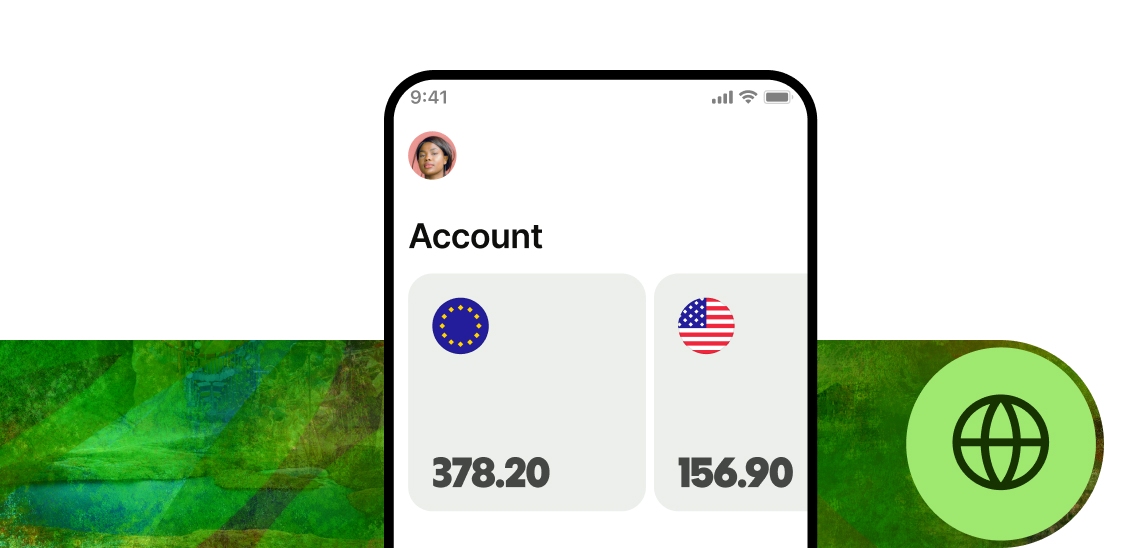
With Wise, you can open a multi-currency account that provides you with local account details for regions like the US, the UK, and Australia. This allows you to get paid like a local and convert your balance into over 40 different currencies whenever you need to.
Whenever you convert money, Wise uses the mid-market exchange rate and only charges a small, transparent upfront fee. There are no hidden markups, making it noticeably cheaper and often much faster than a standard SWIFT transfer.
Plus, you can use the Wise debit card to spend seamlessly in 160 countries, with your money automatically converting at the best rate Wise can offer.
*Please see terms of use and product availability for your region or visit Wise fees and pricing for the most up to date pricing and fee information.
This publication is provided for general information purposes and does not constitute legal, tax or other professional advice from Wise Payments Limited or its subsidiaries and its affiliates, and it is not intended as a substitute for obtaining advice from a financial advisor or any other professional.
We make no representations, warranties or guarantees, whether expressed or implied, that the content in the publication is accurate, complete or up to date.

Understand the Spanish tax rules for money transfers. Learn about Hacienda limits, mandatory forms like S1 and 720, and how to send money via Wise.

Learn how to send international transfers with Caja Rural in Spain. Find out about fees, delivery times, SWIFT/BIC codes, and how to save money using Wise.

Moving money to Spain? Learn about tax rules, Form S-1 for cash, and how to avoid high bank fees by using Wise for the real mid-market exchange rate.

Learn how to transfer money between Skrill and PayPal using Wise as an easy intermediary. Avoid high fees and get the real exchange rate in just a few steps.

Are ING Spain's international transfers really free? Compare SEPA and SWIFT fees, hidden exchange rate markups, and discover cheaper alternatives like Wise.

Guide to international transfers in Spain. Compare SEPA vs. SWIFT, understand bank fees, and learn how to get the mid-market exchange rate with Wise.











